The fastest way to find coworking day passes while traveling is to search a booking platform by city and date, filter for instant confirmation, then cross-check the space on Google Maps reviews. Add a hotel lobby or a library as a fallback the night before, because availability changes and a day pass you cannot get is useless.
A coworking day pass is one day of access to a shared workspace for a flat fee. You get a desk, business-class Wi-Fi, coffee, and usually meeting rooms and phone booths, with no membership commitment. In most US cities a day pass lands somewhere between 25 and 45 USD; resort towns and smaller cities sit lower.
Can you use WeWork for one day? Yes, at most locations you can buy a single-day pass through the WeWork app without holding a membership, though prices and hours differ by building and some locations sell day access only through their own front desk. Local independent spaces usually offer the same thing for less.
Below is the process I use. It takes about twenty minutes the night before a workday, plus ten minutes of checking once you arrive.
Table of Contents›
- What You Need
- How to Find Coworking Day Passes While Traveling, Step by Step
- How to find coworking day passes while traveling online
- Set the date, time, and access requirements
- Compare the practical details
- Check recent reviews and time-sensitive details
- Confirm before paying
- Test the workspace as soon as you arrive
- Common Mistakes
- Frequently Asked Questions
- Can I get a coworking day pass for just a few hours while traveling?
- Are hotel business lounges a reliable alternative to coworking spaces?
- What should I test before committing to a full day of remote work?
- Do coworking spaces allow guests or require identification?
- What is the best backup plan if my preferred workspace is unavailable?
- Conclusion
What You Need
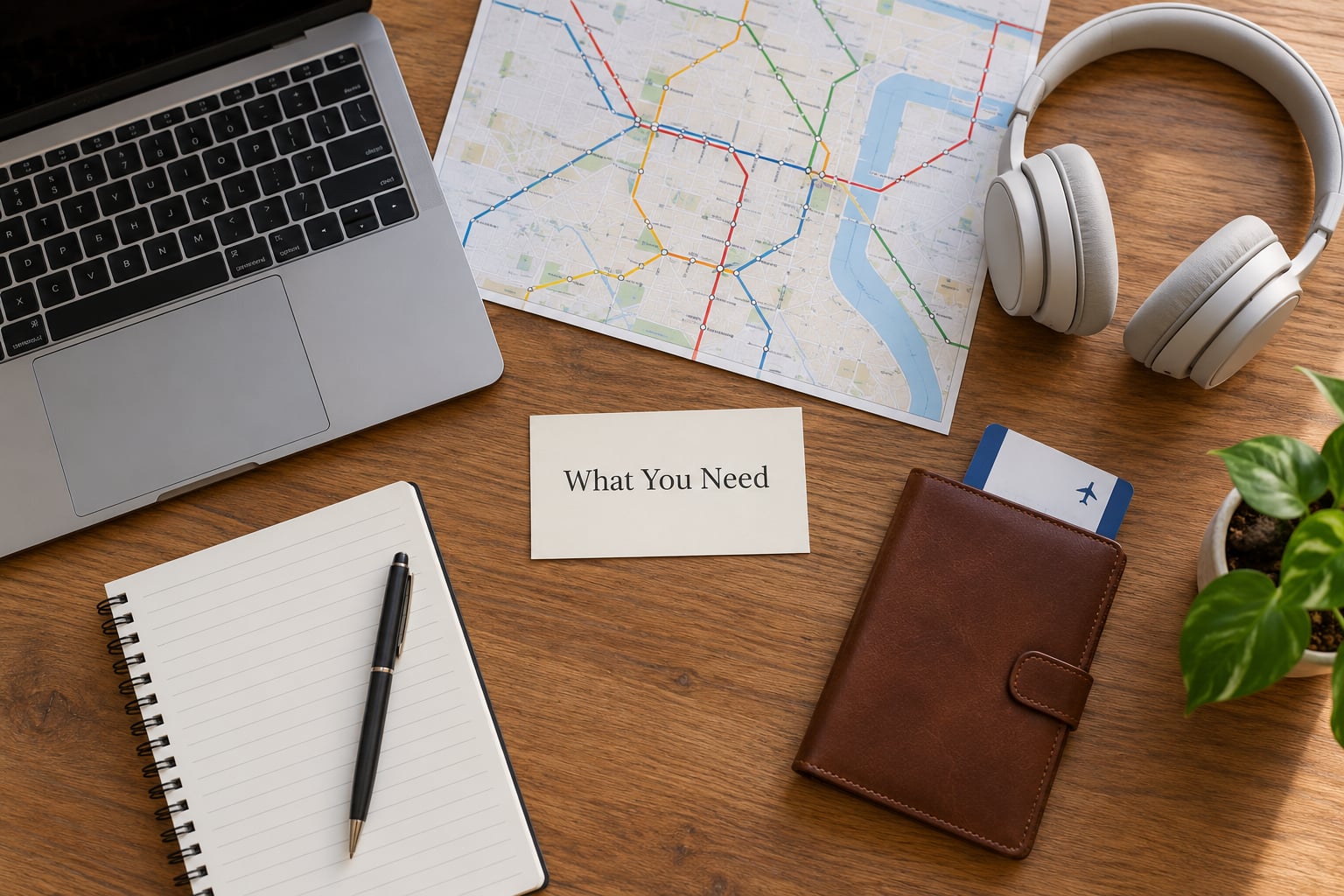
Start with your itinerary, not with a search bar. Most failed bookings come from a mismatch between the hours the space is open and the hours you actually need to work.
- Destination and exact date. Day passes are sold per calendar day, so a late arrival still counts as a full day.
- Your arrival and departure times. Reception hours, not the published closing time, decide when you can get in and when you must be out.
- Your call load. One back-to-back video call is a different booking than four hours of writing.
- Non-negotiable amenities. Usually a phone booth or meeting room, an outlet near the seat, and an upload speed you can actually stream on.
- A budget range you are comfortable with. A range, not a fixed number, because a single bad day should not blow the trip budget.
- ID and a payment card. Many spaces check photo ID at the front desk, and some require the booking name to match it.
- A charger and headphones. Outlets fill up fast once the morning gets busy.
How to Find Coworking Day Passes While Traveling, Step by Step
How to find coworking day passes while traveling online
There are two kinds of tools: booking platforms that take payment and show you a desk in real time, and map apps that tell you the space exists but leave you to call or email. Use both, in that order.
| Platform | What it is | Best for | Instant booking | Watch out for |
|---|---|---|---|---|
| Coworker | Directory of independent spaces worldwide with per-day and hourly listings | Finding small local spaces in cities outside the US and Europe | Varies by space | Day availability can be stale outside North America |
| LiquidSpace | Instant marketplace with clear per-day and hourly pricing | Same-day bookings in US metros when you need certainty | Yes on most listings | Meeting rooms are billed separately |
| Deskpass | Multi-day and weekly pass bundles | Two to five workdays in one city | Yes | Bundle days usually must be used consecutively |
| WeWork and Regus apps | Chain locations, day passes at selected buildings | Reception, phone booths, and predictable opening hours | Yes at most locations | Desk availability is not always published |
| Google Maps | Reviews, photos, posted hours, phone number | Vetting a space you have never been to | No | Listed hours are often out of date |
| Hotel front desk | Business lounge or lobby day access | Early morning or late evening calls outside reception hours | Ask on arrival | Access is for guests only and rarely guaranteed |
Search with the terms people actually use: coworking space plus your city, then day pass, drop-in, or hot desk. Filter to instant book, sort by guest rating, and keep two candidates open. Reddit threads on finding coworking spots in a new city repeat the same simple tactic that actual travelers use: search Maps for coworking space in the neighborhood near your accommodation, not near the tourist district.
Independent spaces are worth a look even if the chain is easier. Local operators price lower, keep staff on the desk, and are the ones most likely to let you book by message when the platform shows nothing.
Set the date, time, and access requirements
Translate your itinerary into filters. If you land at 09:00 and the building opens at 08:00, the day pass is worth it. If you land at 21:00 and reception closes at 18:00, it is not, and no amount of good Wi-Fi fixes that.
- Reception hours, not closing hours. Some buildings let members badge in at any hour but require a staff member for day-pass holders.
- Minimum booking. Half-day and full-day passes are common; a three-hour minimum kills short morning slots.
- Hourly versus full day. If your day is under four focused hours, hourly usually wins on cost.
- 24/7 or after-hours access. Matters when your workday starts before breakfast or runs past dinner.
- Your time zone. A European-to-US schedule often means an early or evening workday. Spaces that close at 18:00 local are useless for that, and this is the single most-missed filter.
Compare the practical details
Compare on the things that break a workday, not on the amenities that photograph well. Dependable access beats a beautiful lounge every time.
| City type | Typical day pass range | What to expect |
|---|---|---|
| Major global city | 35 to 60 USD | Phone booths and meeting rooms common, walk-ins rare on weekdays |
| Mid-size city | 20 to 35 USD | Most bookable online, good value near the centre |
| Resort or tourist town | 25 to 45 USD | Fewer options, seasonal spikes around conferences |
| Southeast Asia | 5 to 15 USD | Long opening hours, independent spaces common |
| Latin America | 8 to 20 USD | Strong value, spot-check plug types and adapters |
Then check the boring things: how far the entrance is from the nearest transit stop, whether the ground floor is step-free, whether the desk you are given has a monitor, and how far the cancellation deadline sits from your start time. Also ask whether day passes include meeting rooms, because a call room billed hourly on top of the pass changes the math quickly.
Guest policy deserves a specific look if you are travelling with someone. One person booking two seats is sometimes fine and sometimes triggers a per-guest fee or a limit on how long guests can stay.
Check recent reviews and time-sensitive details
Read the four most recent reviews, not the top review. Old praise from a quiet Tuesday tells you nothing about the building during conference week. Look specifically for comments on actual Wi-Fi performance during calls, noise levels at the seating you were given, crowding at midday, locked doors after hours, and whether reception was staffed when people needed help.
Two useful proxies for quality beyond the reviews. First, the event calendar: a space with one event a month has no real community, while a full calendar usually means active hosts and an easier time meeting people. Second, reviewer photos of the actual seating area and the phone booths. Stock images tell you nothing, and a booth with two chairs and a fan is not a private office.
Weekends and public holidays need their own check. Independent spaces frequently run reduced hours or close entirely, and chain locations in some markets keep normal hours while every nearby option shuts. When a holiday falls mid-trip, confirm by message rather than trusting the booking calendar.
Confirm before paying
Before you pay, know five things: the cancellation deadline, whether a service or city tax is added at checkout, what ID is required, whether guests are allowed, and the exact street address with the floor number.
If any material detail is unclear, message the space before booking. Ask a specific question, such as whether day-pass holders can use the phone booths after 18:00 or whether the address on the listing matches the current entrance. A short reply from staff is more reliable than a marketing page, and it leaves you a written record if something changes.
Save the confirmation to your phone before you travel, because building reception sometimes cannot find a booking made on a platform account under a slightly different name.
Test the workspace as soon as you arrive
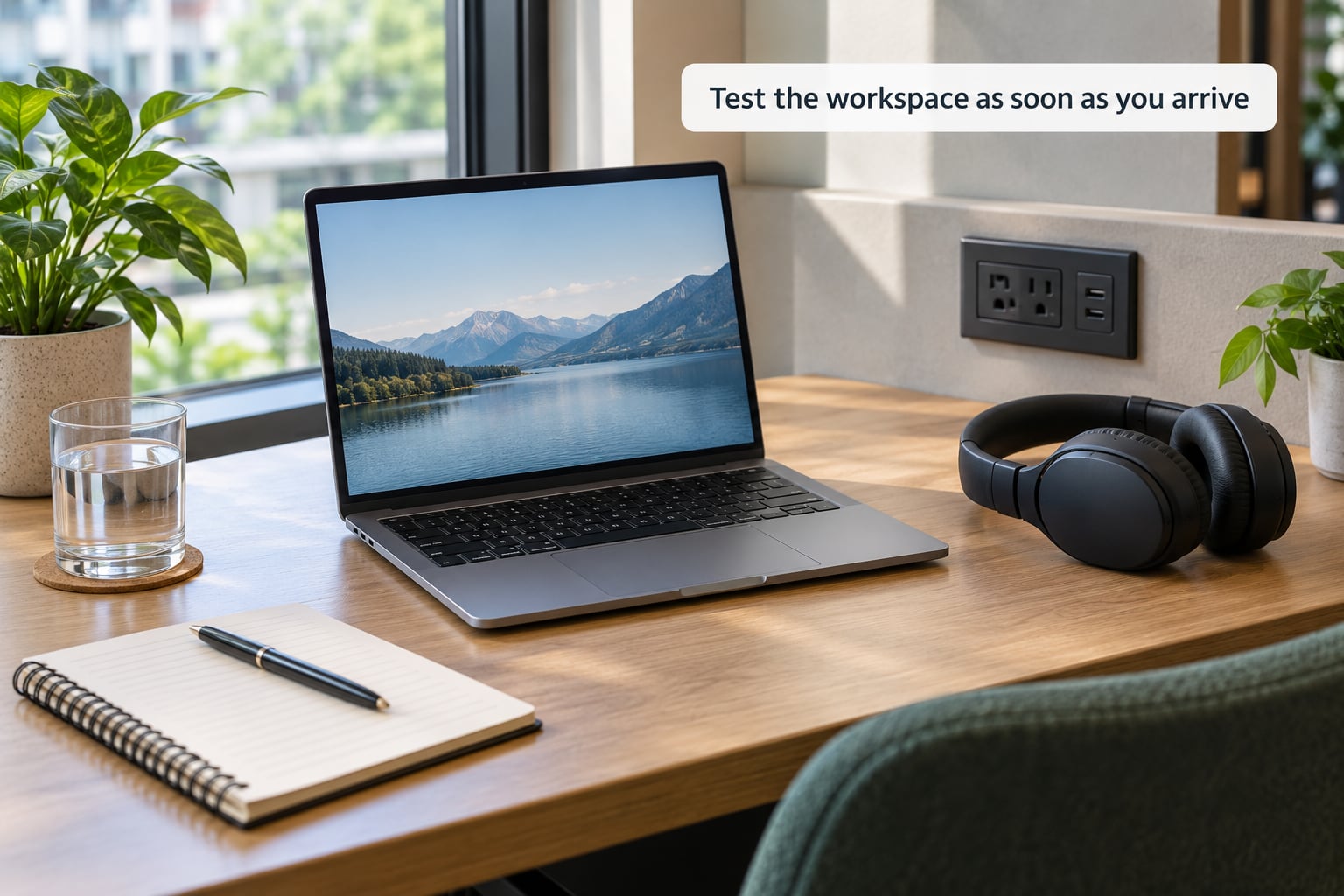
Run your own twenty-minute check before you settle in. Connect to the Wi-Fi and run a speed test with an upload measurement, since upload is what decides whether your video call holds up. Plug in your charger and confirm the outlet works at your seat, not just somewhere in the room.
Sit for five minutes and listen. If you cannot hear normal conversation at the desk without raising your voice, calls will be rough. Check the temperature, since rooms with glass walls get cold, and confirm the restroom is unlocked and findable.
Make a real call test if calls are part of your day. Walk into a booth, close the door, and talk for thirty seconds. If it fails, you still have time to switch, which is exactly why you should test within the first half hour rather than at lunch.
Common Mistakes
Booking by the hourly rate when you need the whole day. Four separate hourly blocks can cost more than a day pass and still leave you moving rooms. Compare the two before you book.
Ignoring reception hours. A building that advertises 24/7 access may still require staff check-in for day-pass guests during office hours. Ask directly.
Assuming hotel lounge access is public. Business lounges are almost always restricted to guests, and sometimes only to certain room types. Ask the front desk on the day rather than at check-in.
Not testing the Wi-Fi before your first call. A fixed line can be fast and a mobile hotspot can be faster for uploads. Spend two minutes on a speed test and keep your hotspot as backup.
Overlooking the walk from the station. A beautiful space fifteen minutes away from your stop becomes a bad workday once you are carrying a laptop. Check the transit connection for the exact hours you will be there.
Relying on an unverified map listing. Independent spaces change opening times more often than chains do. Call or message the day before, especially after a public holiday.
Forgetting to check bundle-day rules. Multi-day passes often require consecutive days. If your trip has a gap day, buy single days instead.
Frequently Asked Questions
Can I get a coworking day pass for just a few hours while traveling?
Usually yes. Many spaces sell hourly access in two-hour blocks, and booking platforms label it clearly, so filter for hourly when your workday is short. Compare the hourly total against the full-day price first, since four hourly blocks can cost more. A half-day pass is the middle option and works well for morning or afternoon sessions. Book the shortest block that fits your calls, then test the Wi-Fi right after you arrive.
Are hotel business lounges a reliable alternative to coworking spaces?
They can be, with caveats. Hotel lounges usually mean buying a drink or registering as a guest, and access is often limited to certain floors or room types. They work best for early morning or late evening calls, when most coworking reception desks have already closed. They are weaker for full-day desk work because power outlets and seating are meant for short visits. Treat one as your fallback plan, not your primary workspace.
What should I test before committing to a full day of remote work?
Test four things in the first half hour: upload speed with a real speed test, a working outlet at your specific seat, noise levels where you plan to sit, and whether the restroom is accessible and unlocked. If calls are part of your day, walk into a booth and talk for thirty seconds. Doing this early leaves you time to switch spaces or fall back to a hotel lounge without losing the day.
Do coworking spaces allow guests or require identification?
Both, depending on the space. Most require photo ID at the front desk, and the booking name usually has to match it. Guest rules vary widely: some chains allow one guest for a limited time, some charge a per-visitor fee, and independent spaces may turn guests away at busy hours. If you are travelling with someone, ask in advance how many seats one booking covers and how long a guest may stay at the desk.
What is the best backup plan if my preferred workspace is unavailable?
Have two backups before you leave home. Second choice is another space from the same booking platform, so you can book it from your phone in two minutes. Third choice is a library reading room or a university public space with free Wi-Fi, which costs nothing and rarely sells out. Keep your phone hotspot as the fourth layer so a connection problem never costs you a call.
Conclusion
Write down your working hours and your two non-negotiable amenities first, then search by city and date, shortlist two spaces, and verify reception hours and recent Wi-Fi reviews before paying. That order is the whole method behind how to find coworking day passes while traveling: the filtering takes twenty minutes the night before, and the twenty-minute test on arrival protects the day. If you only do one thing, keep a second candidate bookmarked and a hotel lounge in mind, because availability is the one thing you cannot fix once you are sitting in the wrong building.