If you have ever wondered how to take video calls in a noisy hotel, the answer comes down to four levers: quieten what you can, put the microphone close to your mouth, fix the connection before you join, and control what the camera sees. Skip all four and you spend the call apologising instead of doing the work. Ten minutes of setup handles most of it.
I learned this the hard way on a trip where every call started with someone asking whether I was in a lift. The fix was never expensive gear. It was closing a door, hanging a towel on a wardrobe door, and remembering that noise-cancelling headphones make the call better for me without making my voice any cleaner for everyone else.
Table of Contents›
- What You Need
- Step-by-Step
- 1. Test the room and internet before the call
- 2. Reduce noise without creating echo
- 3. Improve lighting and choose a clean background
- 4. Set up the most reliable call option
- 5. Join early and manage the conversation professionally
- Common Mistakes
- Frequently Asked Questions
- Can I take a professional video call from a hotel room?
- Do noise-cancelling headphones make my voice sound better on calls?
- What is the best way to reduce echo in a small hotel room?
- Is hotel WiFi reliable enough for video calls?
- Where should I take the call if the room is too noisy?
- What if the call starts in two minutes and I have no gear?
- Conclusion
What You Need
You need very little, and most of it you can arrange in the room you already have. Here is the honest list, in order of how much it changes the call.
| Item | Why it matters | If you do not have one |
|---|---|---|
| Stable internet, roughly 3 to 5 Mbps upload | Video needs upload speed, not download speed. Most stalls are upload, not the room. | Run a speed test, then keep your phone hotspot ready as a backup line. |
| Headphones or earbuds with a microphone | Your voice has to travel a short distance to reach the mic, and you stop feeding the room into the call. | Use earbud or headset wired to the laptop, not Bluetooth, if the connection is jumpy. |
| A laptop or phone you control | You need to know where the mute, camera and background settings live before anyone else joins. | A phone on a stand works fine for a one-to-one check-in. |
| Charging cable and a way to stay powered | A long client call plus a flat battery is the worst combination in any building. | Ask the front desk for a spare cable; most carry them behind the desk. |
| A quieter backup location | Some rooms cannot be fixed. Knowing where you would move to saves the call. | The lobby corner, a quiet cafe, or a co-working lounge within a few minutes walk. |
One piece of software is worth setting up before you leave: the noise suppression already built into your call app. In Zoom it sits under Settings, then Audio, then Background noise suppression, and it can be set to Medium or High. Google Meet keeps it in the three-dot menu under Device settings, then Audio, then Noise cancellation. Microsoft Teams exposes Noise suppression in the call itself from the More menu, so you can turn it on after joining.
That toggle is the one most people never find. Set it before the call, not during.
Step-by-Step
Five steps, roughly ten minutes, in this order. Doing them out of order wastes time, because the room changes what you need from the gear.
1. Test the room and internet before the call
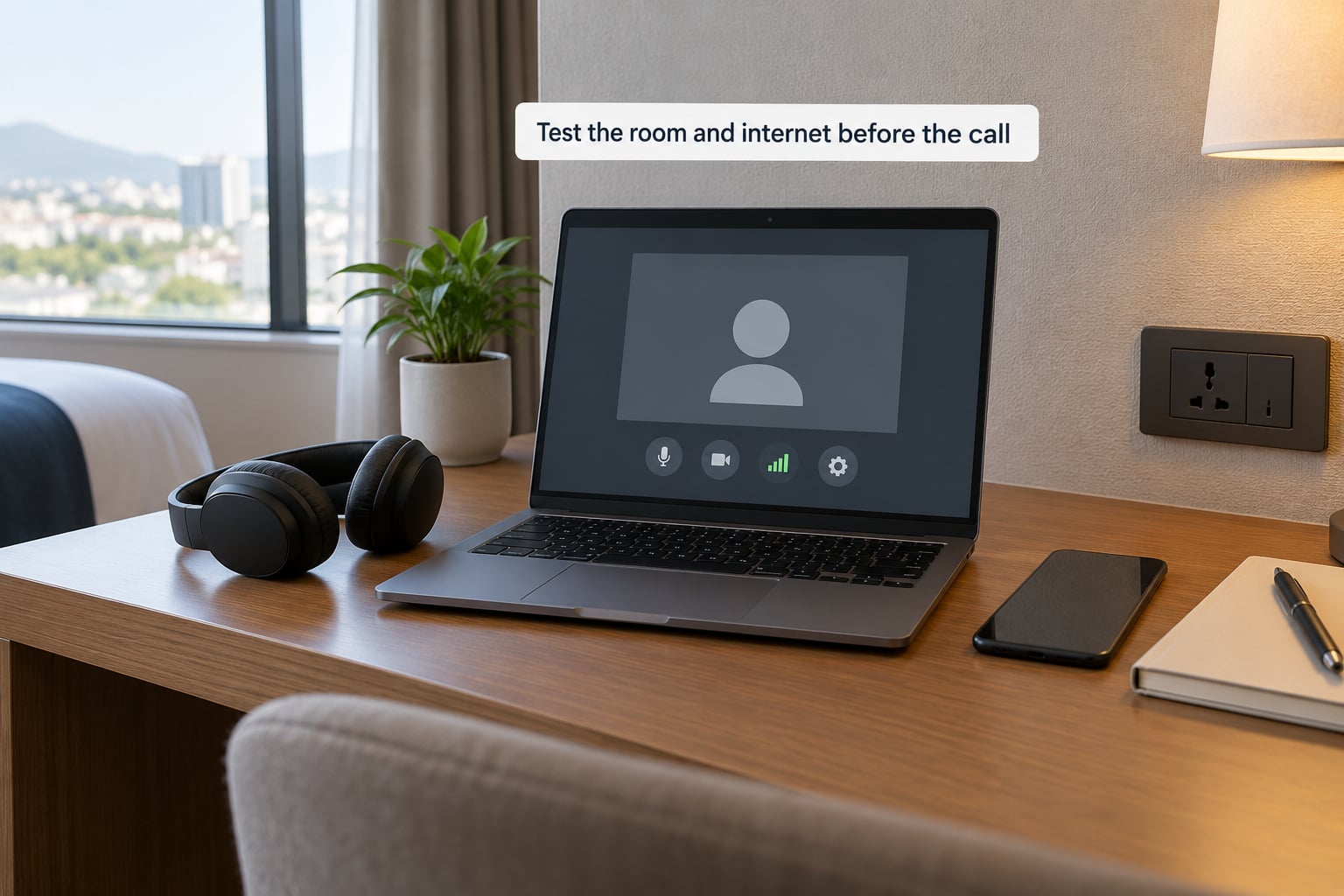
- Run an upload speed test from the room itself, not from the lobby. Hotel networks are often fine at reception and congested on an upper floor at 9am. Note the upload number: about 3 to 5 Mbps holds a 720p call with a few people, roughly 1 to 2 Mbps is enough for audio only, and a 20-person meeting on a slow upload will buffer even if your own connection looks fine.
- Stand in the actual spot where you will sit and listen for thirty seconds. You are listening for three separate problems, and they need different fixes.
Noise from outside the room, a neighbour’s television, hallway chatter, the ice machine, is background noise. The room itself sounding hollow when you speak is echo. A voice that breaks up, drops out, or makes people freeze is bandwidth. Diagnose which one you have before you start buying things.
If it is echo, no amount of noise suppression will fix it, because the app is hearing your voice come back off the tile and the mirror. If it is bandwidth, headphones will not save you. Only the third problem is solved by a hotspot.
2. Reduce noise without creating echo
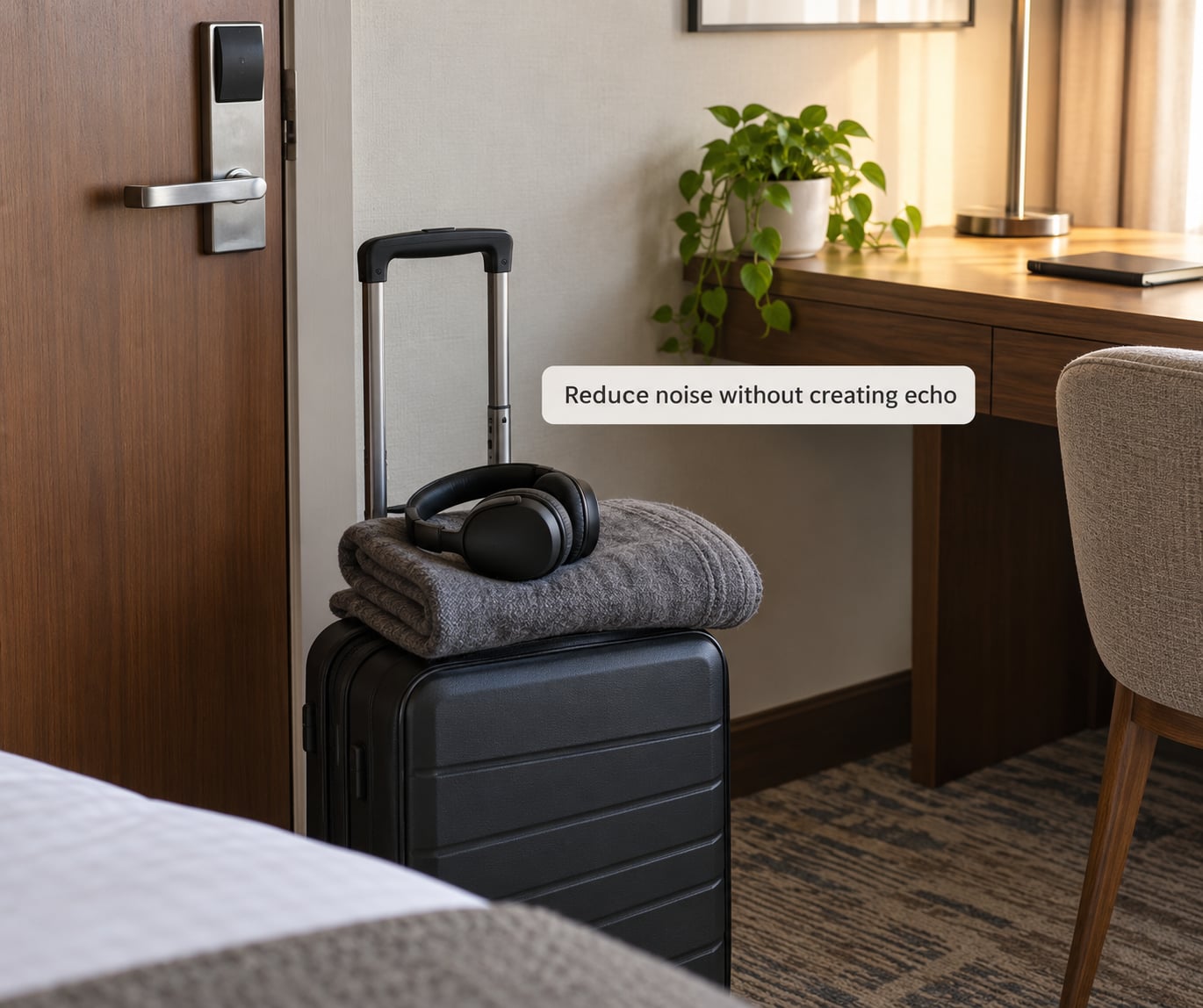
- Close the door fully, including the latch, and pull the curtains. Thick curtains are the best sound absorber most hotel rooms offer, and it is the one fix that costs nothing.
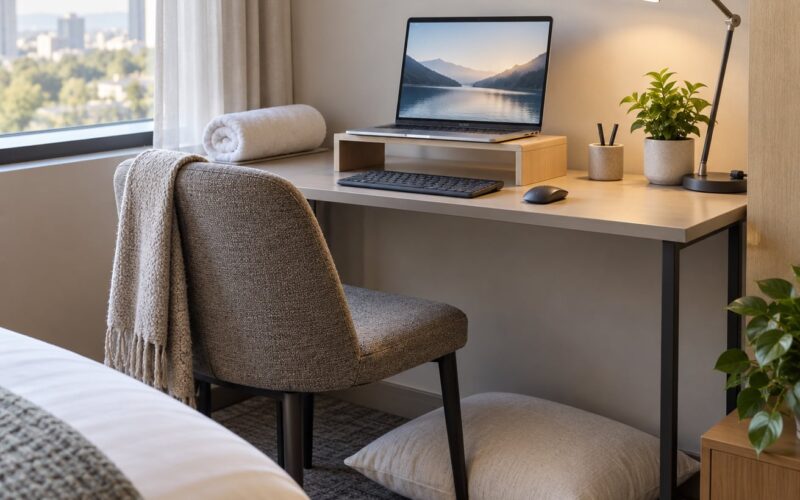
Then use what the room already contains. Hang a bath towel over the wardrobe door and leave it slightly ajar, drape a thick blanket over the back of the chair you are sitting in, and close the bathroom door so the tile and mirror stop bouncing your voice around. Push the desk away from the bare wall behind you, since a flat wall reflects sound straight back into the microphone.
Turn off what you can: the minibar fridge is often the loudest thing in the room, and the air conditioning is worth leaving on at a low fan. Sound at a consistent low level is easier for people to tune out than an intermittent clatter, which is also why a running fan works as a cheap mask for street noise.
For the two-minute version, when a call is imminent and you own nothing but a phone: sit in a wardrobe-adjacent corner, drape the blanket over your head and shoulders, and speak quietly and close to the mic. It looks ridiculous and it works.
3. Improve lighting and choose a clean background
- Face a window or a lamp, never the ceiling downlight. Overhead hotel lighting puts shadows in your eyes, and a bright window behind you turns you into a silhouette on everyone else’s screen.
Set the camera at eye level by stacking a few books under the laptop rather than looking down at it from above, and prop the screen so you are not backlit. Then take thirty seconds to clear the frame: iron, minibar, paperwork, a half-eaten dinner, chargers trailing across the desk. Rearrange anything within a metre behind you.
If the room still looks like a hotel room, a plain virtual background in Zoom, Meet or Teams does most of that work in one click. Pick a dark neutral background, not a bright beach scene, because a bright background makes the app guess that you need more exposure and washes you out.
4. Set up the most reliable call option
This is where knowing how to take video calls in a noisy hotel stops being about sound and starts being about connection. The room decides what your audio has to fight; the network decides whether anyone hears it at all.
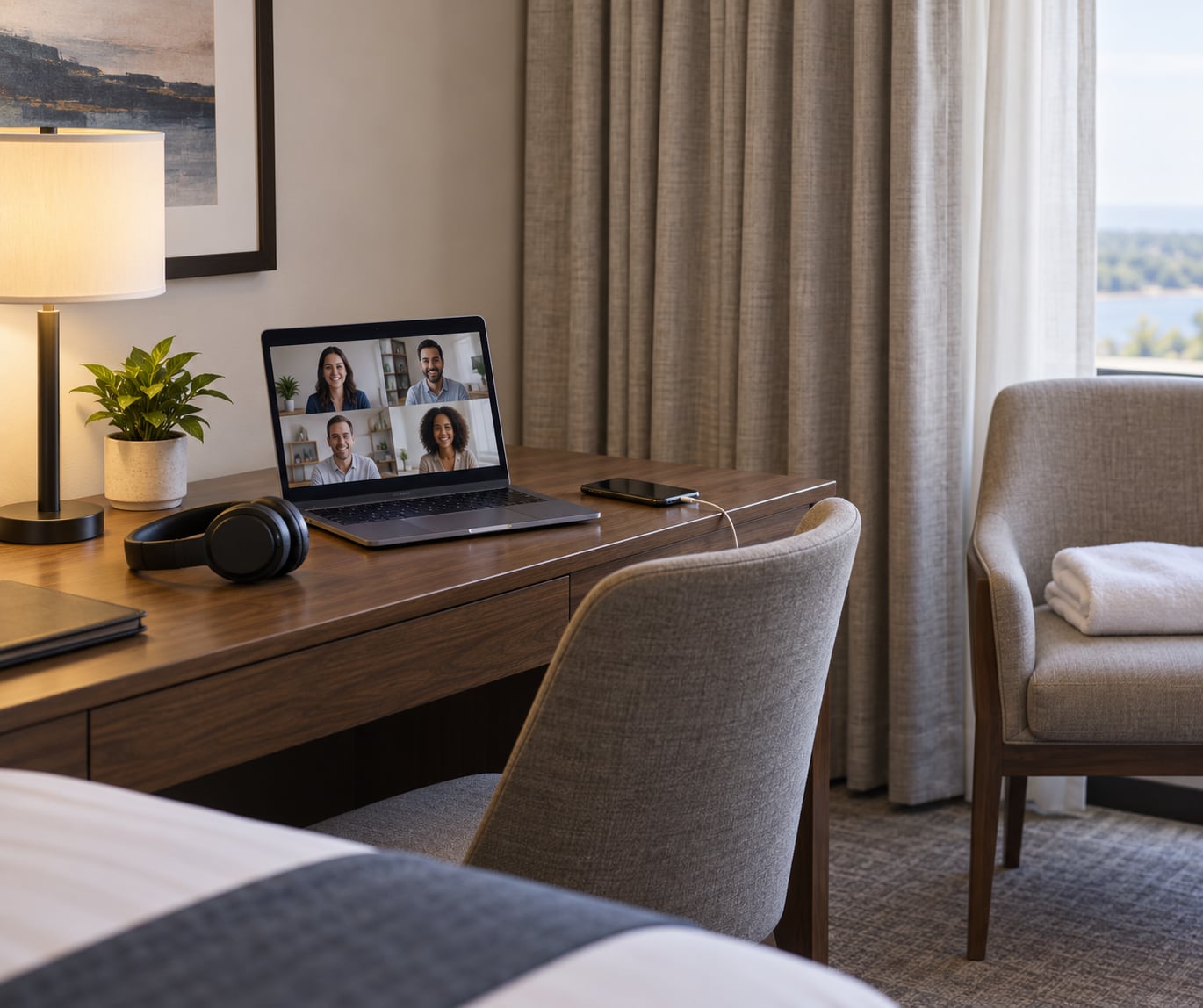
- Choose your device on a simple rule. A laptop wins for anything with screen sharing or more than four people. A phone wins for a one-to-one check-in where you can hold it at eye level. A laptop and a phone together let you move the microphone to whichever connection is behaving better.
- Keep power and data covered for the length of the call. Plug in, check that the screen will not sleep, and start a hotspot as a backup even when the hotel network looks solid, because the number of people joining is the variable you do not control.
A wired connection beats Bluetooth for calls, since a compressed wireless link adds artefacts on top of whatever noise you already have. If your earbuds force you to use Bluetooth, connect the phone rather than the laptop where you can, and keep the device within a few feet.
On audio quality, the important detail is that noise-cancelling headphones solve the wrong half of the problem. Active noise cancellation reduces what you hear. It does almost nothing to what your microphone transmits. To clean your outgoing voice you need one of three things: a microphone physically close to your mouth, which is why a cheap wired boom headset so often beats a costly pair of over-ear headphones on calls; noise suppression running inside the app; or both together.
Open-ear and bone-conduction styles are the worst option in a noisy room, because they deliberately leave the outside world audible to you, and a mic sitting on your cheekbone picks up whatever that outside world is doing.
5. Join early and manage the conversation professionally
- Join two to three minutes early, check your name label, mute state and camera, and listen to how you sound. If the room is genuinely unavoidably noisy, say so in the first thirty seconds: mentioning that the fridge or a neighbouring television is audible reads as composed, and staying silent while people struggle to hear you reads as unprepared.
- Then run the call on headphones, keep the microphone boom or earbud mic close rather than hanging it in the middle of the room, mute with a key or button instead of a hotkey you have to look up, and keep the meeting link open in a second window so a hotel login page does not surprise you mid-meeting.
If the call is going badly, the professional recovery is to name it and change one variable. Say the connection is unsteady and ask whether to drop to audio only, which sounds composed and solves the problem instantly. Turning your camera off is normal and does not signal a lack of preparation, especially in a hotel room. Rescheduling is also legitimate, but do it as a proposal with a reason, not as a disappearance.
Common Mistakes
Most bad hotel calls come down to one of six avoidable habits. Each has a fix you can apply in a minute.
- Relying on the built-in laptop microphone. Laptop mics are designed to pick up a voice across a desk, in a quiet room. In a hotel room they pick up the fridge, the air conditioning and the room tone along with it. Plug in any headset with a boom mic, even an inexpensive one, and the difference is immediate.
- Taking the call from a hallway or bathroom. Hallways carry other people’s conversations, and bathrooms are tile boxes with a mirror. Neither is private, and neither is quiet. If the room is unusable, a quiet corner of the lobby beats a bathroom every time.
- Overlooking echo until it is live. Echo makes people cut out mid-sentence, which reads as your connection failing. Wear headphones from the first minute and soften the hard surfaces before you join, not after someone complains.
- Assuming hotel WiFi is fine because the internet worked. Browsing proves download speed. A call needs upload. Test the upload from your room, at the hour of your call, and keep a hotspot ready.
- Ignoring the lighting. A face lit from above and backlit by a window reads as tired or distracted on a small screen. Turn toward the window, stack books under the laptop, and clear the wall behind you.
- Having no plan B. Know the quietest spot within five minutes of your room before you need it. That could be a stairwell landing, a business lounge, or a cafe you scouted on the way in. Knowing the fallback in advance is what keeps a bad room from becoming a lost call.
One habit that quietly helps more than any of the above: if you can choose your hotel, ask the front desk for a room away from the lift and the ice machine before you check in. Five seconds of conversation at reception removes a noise source for the whole stay.
Frequently Asked Questions
Can I take a professional video call from a hotel room?
Yes, and plenty of people do it every week on client calls. The combination that works is a headset or earbuds with a microphone close to your mouth, the built-in noise suppression switched on, a door and curtains closed, and a quick upload speed test before you join. Tell people in the first minute where you are if there is noise you cannot remove, and nobody will hold it against you.
Do noise-cancelling headphones make my voice sound better on calls?
Only indirectly. Active noise cancellation reduces the sound reaching your ears, so you are less tempted to talk loudly over it and the call is more comfortable for you. It does not clean what your microphone transmits. For outgoing audio you need either a mic close to your mouth, such as a wired boom headset or earbuds, or noise suppression running inside Zoom, Google Meet or Teams.
What is the best way to reduce echo in a small hotel room?
Headphones help most, because the app stops treating your own voice as room noise once the sound is sealed in your ears. After that, soften the room with what is already there: a bath towel over the wardrobe door, a thick blanket behind your chair, the curtains drawn, and the bathroom door shut to keep the tile and mirror from reflecting your voice back to the microphone.
Is hotel WiFi reliable enough for video calls?
Often, but it varies by property, floor, time of day and how many other guests are on the network. Test from your actual room, check the upload number rather than the download number, and keep a phone hotspot ready as a backup. Joining audio only drops the bandwidth you need sharply, and keeping the meeting link in a second window prevents a hotel login page from interrupting the call.
Where should I take the call if the room is too noisy?
Ask the front desk for a quieter room, ideally a corner room away from the lift, ice machine and adjoining wall, or ask whether the property has a small meeting space or business lounge you can use briefly. A lobby corner works for a short one-to-one, less so for a client meeting, and a nearby cafe or co-working space is the cleanest fallback if you have one within a few minutes walk.
What if the call starts in two minutes and I have no gear?
Mute the microphone for anything that is not your voice, sit in a corner away from the bare wall behind you, draw the curtains, and move as close to the microphone as the device allows. Turn on the app’s own noise suppression, which takes one tap. If it is a group call, staying muted and using your phone for audio with a laptop for video is a solid two-minute upgrade.
Conclusion
Most of what it takes to handle how to take video calls in a noisy hotel is preparation, not gear. Test the upload speed and stand in the room to hear what you are dealing with, ten minutes before the call. Then put on headphones, turn on the app’s own noise suppression, close the door and curtains, soften the tile with a towel, and face the window with the camera at eye level. Know where you would move to if the room is still impossible, and tell people in the first minute if there is noise you cannot fix. That is the whole routine, and it is enough.