How to set up an ergonomic workspace in a hotel room takes about ten minutes and nothing more than the desk, chair and spare bedding the room already has. Get the screen to eye level at arm’s length, put something behind your lower back, keep elbows near your sides at roughly 90 to 110 degrees with wrists straight, and support your feet. The whole job is undoing what hotel furniture does to you by default.
That matters more than it sounds. A hotel desk is usually a dining-height table, and the chair beside it is a dining chair: too tall for the desk, no lumbar curve, and not tall enough for your feet to reach the floor. Put your laptop flat on that table and you spend the day with your head tipped forward, your lower back rounded and your feet hanging.
A long-haul flight already leaves your neck and back unhappy. Adding eight hours of head-down typing is how people arrive home from a three-day trip needing a chiropractor. I’ve built the same setup in enough hotel rooms to know which fixes matter and which are fuss. Start with the surface, then the screen, then your arms, and leave the accessories until those three are right.
Table of Contents›
- What You Need
- Step-by-Step: How to Set Up an Ergonomic Workspace in a Hotel Room
- Choose the Best Work Surface
- Raise the Screen and Center the Laptop
- Position the Keyboard, Mouse, and Chair
- Improve Lighting, Power, and Connectivity
- Take Movement and Recovery Breaks
- Common Mistakes
- Frequently Asked Questions
- What should I do if my hotel room has no desk?
- Is it bad to work from a hotel bed?
- Can I use a suitcase or luggage rack as a desk?
- How do I prevent wrist strain when working from a laptop in a hotel room?
- What should I pack for an ergonomic setup on a long stay?
- Conclusion
What You Need
Almost everything useful is already in the room. The full list is short:
- A device. A laptop, or a tablet with a keyboard case for lighter days.
- A stable surface. The desk, the wardrobe shelf, or the luggage rack in order of preference.
- Something to raise the screen. A foldable laptop stand is the one piece of gear worth buying. Failing that, two hardback books, a sturdy box, or the room’s own iron in its sleeve.
- Something for your back. A spare pillow, a rolled bath towel, or the folded blanket from the wardrobe.
- Something for your feet. A second pillow, a rolled towel, or a closed book.
- Input devices. A compact wireless keyboard and mouse, if you travel with them. They are optional and see below.
- A light source. The bedside lamp or a small clip-on task light, for evening work.
- A power plan. Know which outlet your charger can reach without a cable across the walkway.
Two free options I use constantly: the iron is an excellent footrest once you have emptied the water, and the luggage rack works as a laptop riser if the stand is in your bag. Neither costs anything, and both are already in the room.
Step-by-Step: How to Set Up an Ergonomic Workspace in a Hotel Room
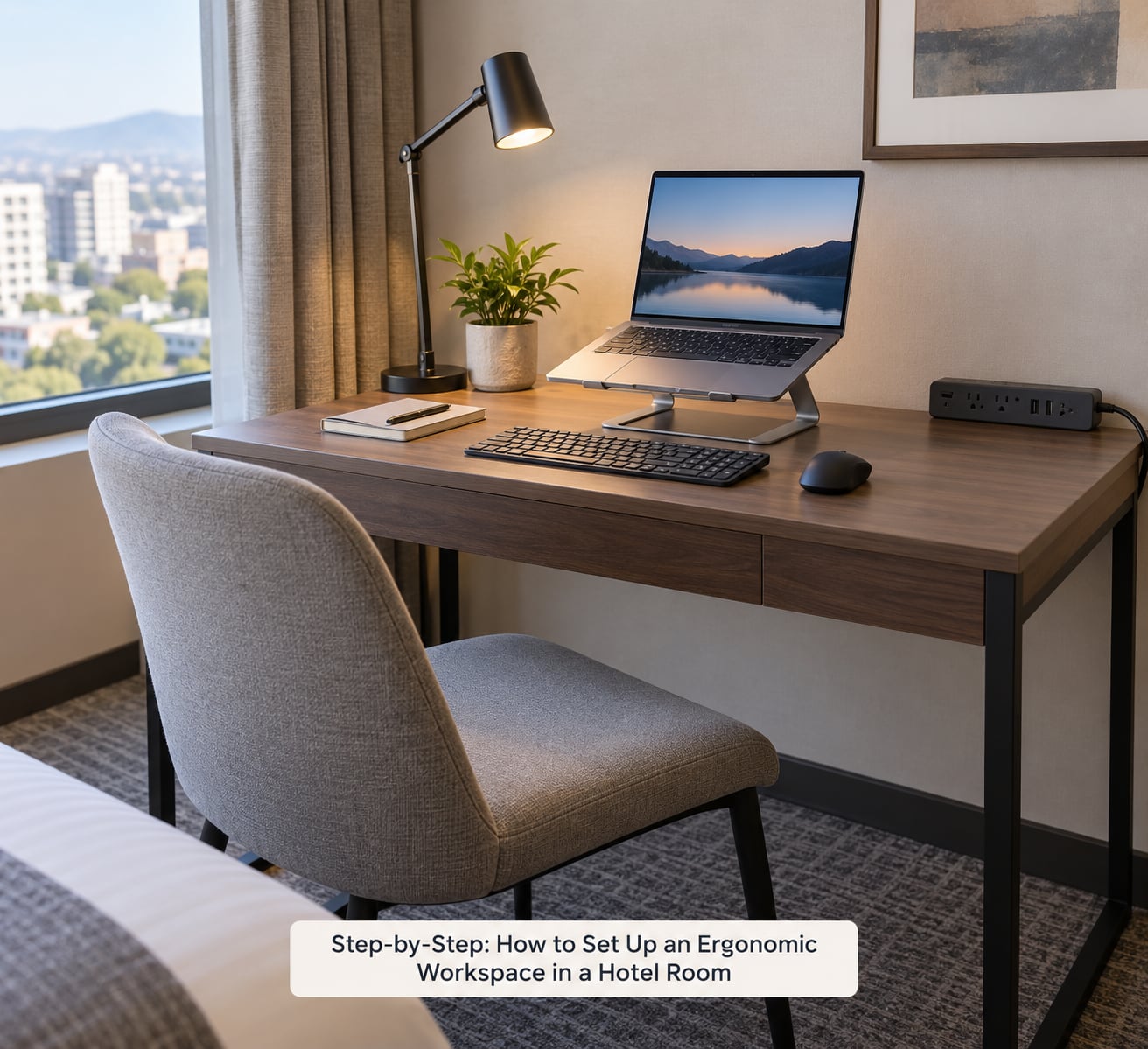
Do these in order. Each step depends on the one before it, and the whole sequence takes about ten minutes once you know what you’re looking at.
Choose the Best Work Surface
Rank what the room gives you: the desk first, then the wardrobe shelf or desk, then the luggage rack, and the bed last. Check three things before you commit. Is it stable enough to type on without wobbling? Is it deep enough for a laptop plus your forearms? Is it close enough to the chair that you can sit up to it rather than reaching?
Most dining tables fail on the second point, because a 15-inch laptop plus your forearms needs more depth than the strip of table left over once you add a lamp and a cup of coffee. Push the laptop to the far edge temporarily and see where your wrists land. If they end up off the table, you need to move the laptop back and deal with the coffee somewhere else.
Whatever you choose, don’t rearrange the room’s heavy furniture. Moving a wardrobe or dragging a desk across carpet marks the floor and gets you a slightly awkward conversation at check-out. The bed is the one surface to avoid outright, and the next section explains why.
Raise the Screen and Center the Laptop
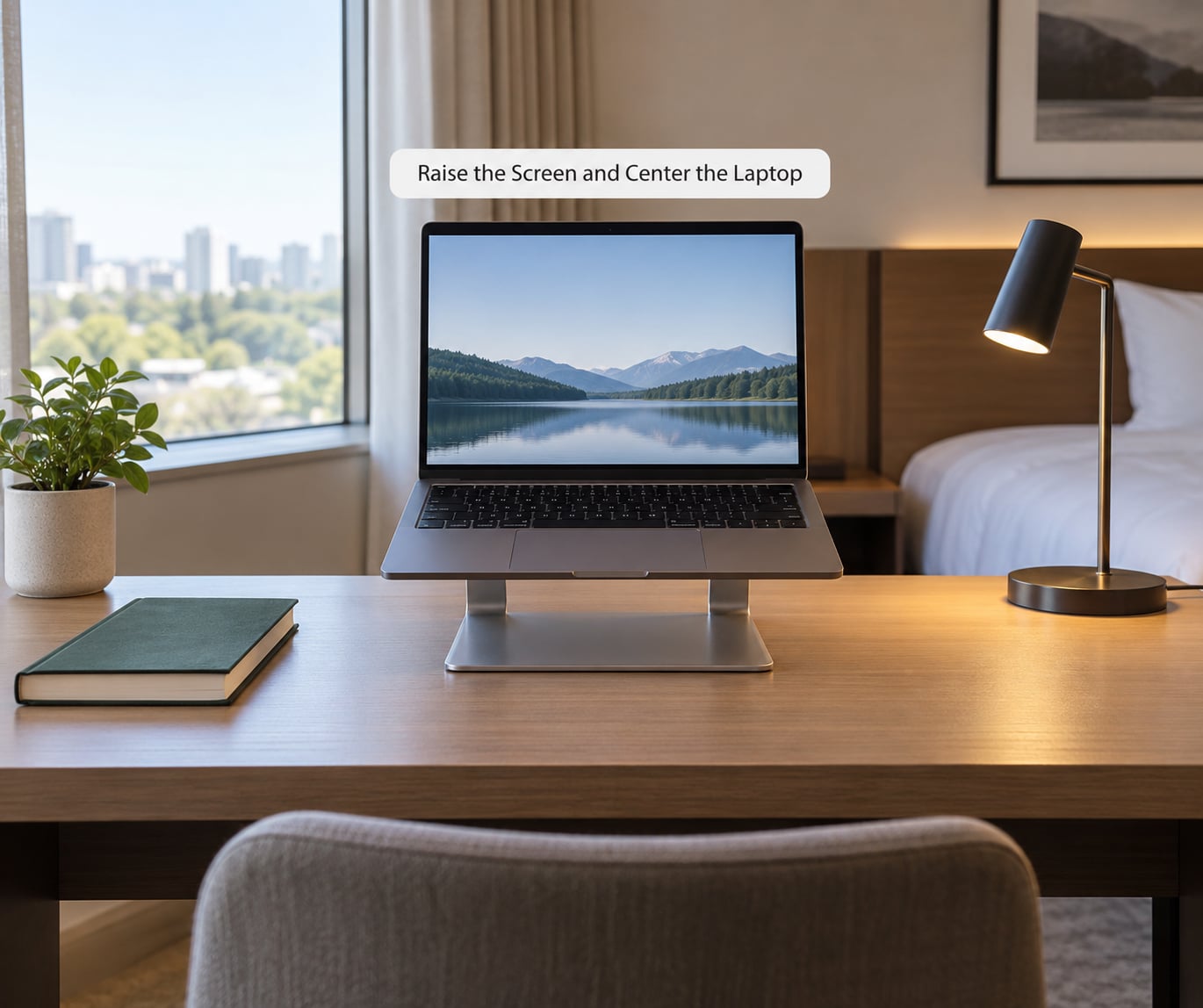
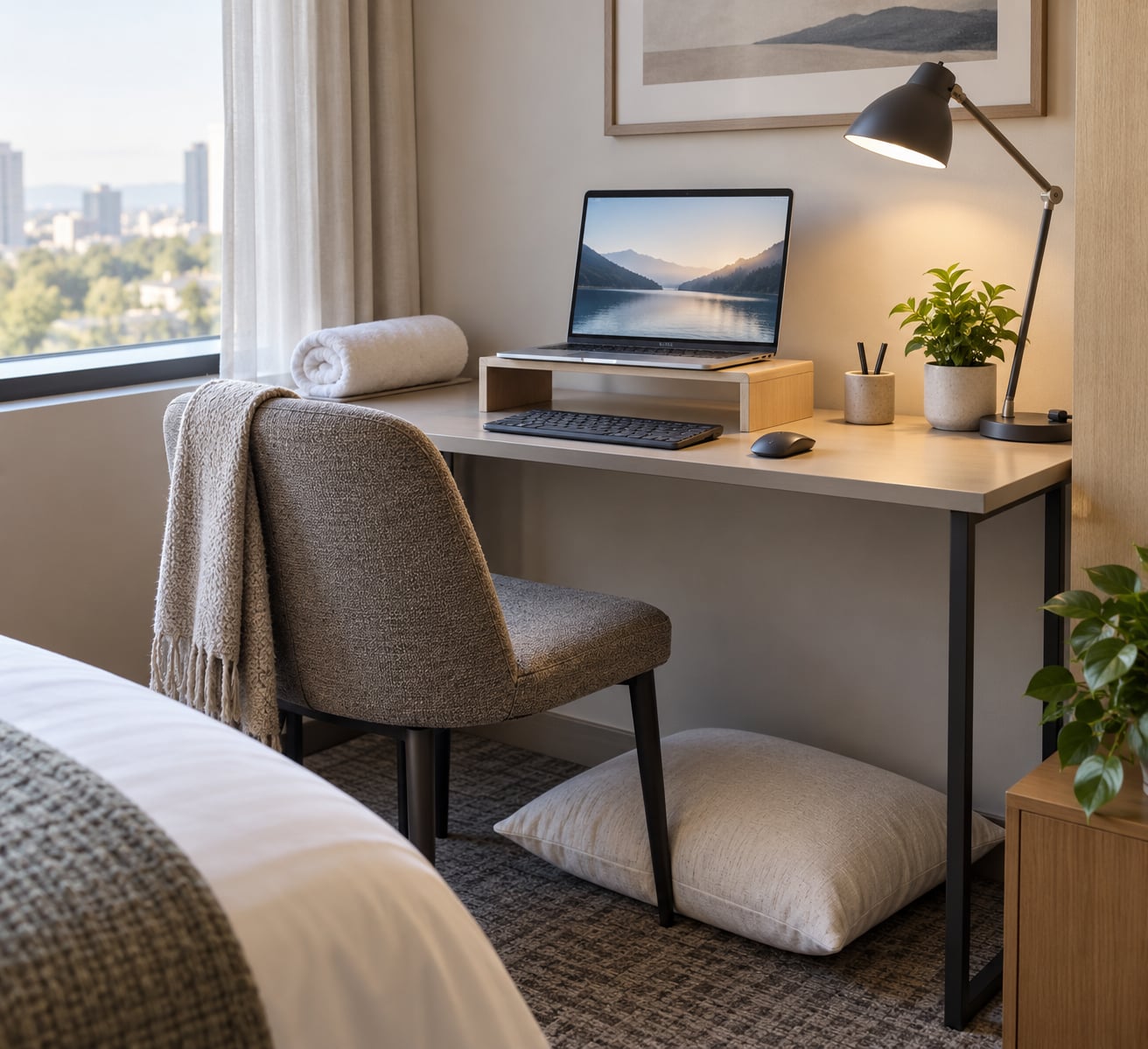
This is the single fix that changes the most. Put the top edge of the screen at or just below eye level, and keep it about an arm’s length away. Straight ahead, not off to one side.
Raising the screen only works if you also lower the input devices, which is what an external keyboard does. Raise the laptop on a stand and type on the built-in keyboard and you end up shrugging your shoulders all day instead. With no peripherals, a stack of two hardback books with a folded towel on top for grip is usually enough height for a short work block.
Two warnings. Never build a tall stack from whatever is on the desk, because uneven books and a heavy laptop topple easily, and a falling laptop is a bad start to a work trip. And laptops vent from the underside and sides, so leave the stack open on at least two sides and check that the intake path isn’t blocked against the wall.
Position the Keyboard, Mouse, and Chair
Put the keyboard close enough that your elbows stay beside your ribs. You want about 90 to 110 degrees at the elbow, which is the angle your arm naturally makes when the forearm is horizontal and hangs relaxed. Far enough away and your shoulders creep up and forward within a few minutes.
Keep your wrists straight. If the desk edge cuts into your forearms, the mouse will drift out toward the desk edge to make room, and the forearm will bend upward. A folded bath towel rolled along the edge solves that for nothing.
Then handle the back and the feet, which is where hotel rooms are worst. A spare pillow behind your lower back fills the gap a dining chair leaves. If the chair is too high for the desk, a second pillow on the seat drops your effective height by a few centimetres. If your feet still don’t reach the floor, put a pillow, a rolled towel or that empty iron under them. Dangling feet push pressure into the back of your thighs and are a common source of that achy lower-back feeling people blame on the mattress.
A word on trackpads. They force you to reach forward and hold your wrist bent. A mouse fixes that immediately and is the reason most frequent travellers carry one.
Improve Lighting, Power, and Connectivity
Work with the window rather than against it. If the window is in front of the screen, the sky becomes a light source behind your display and you get glare all day; turn the laptop ninety degrees or pull a curtain. If the window is behind you, your own shadow falls across the keys and the screen picks up reflections from the room, which is usually fine.
For night work, a bedside lamp aimed at the desk beats the overhead, which throws hard shadows across your hands. Match screen brightness to the room rather than running it at full in a dark room, because the contrast is what tires eyes, not the screen itself.
Power decides layout more than people expect. Find the outlet before you settle, then position the chair so the charger reaches without a cable across the walking path between bed and desk. A small power strip under the desk keeps the laptop, phone and peripherals off the wall socket. Check that it isn’t a light-dimming one if you’re on an old circuit.
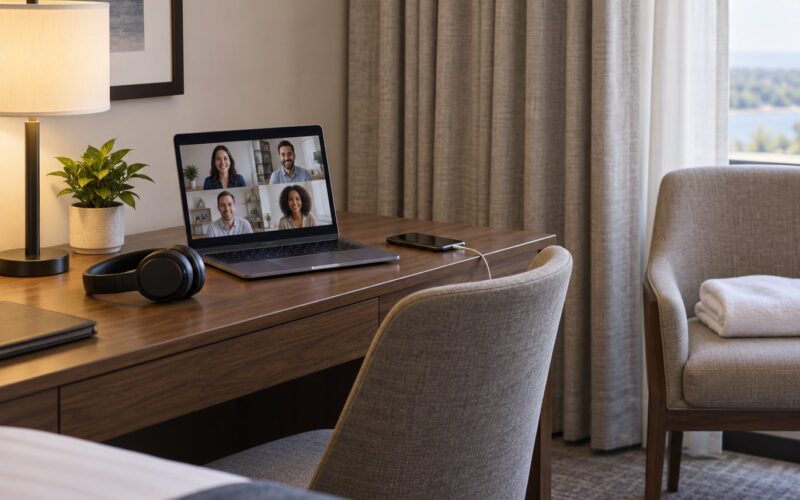
For calls, the noise is part of the setup, not separate from it. Hallway voices, an air conditioning unit and thin walls are constant stressors over a full day. Headphones fix what the room can’t, and moving your call seat to the bed or the armchair away from the door helps more than it sounds.
Take Movement and Recovery Breaks
The goal isn’t a perfect posture held for eight hours. It’s changing position every 30 to 60 minutes, which is roughly the interval most desk-ergonomics guidance uses for micro-breaks. Stand up, walk to the window, refill water. Thirty seconds counts.
The 20-8-2 rule is a useful pattern for longer sessions: 20 minutes seated, 8 minutes standing or moving, 2 minutes stretching. In a hotel room, the standing minutes are easy, because there is a wardrobe shelf, a windowsill and a luggage rack, and moving between them beats standing still.
On arrival, before you open the laptop, do three things: walk for ten minutes, roll your shoulders back a few times, and set your clock alarm for the first break. Travel fatigue and disrupted sleep stack with bad positioning, and a decent walk is the cheapest thing that helps both.
Common Mistakes
Working from the bed. It’s the default for lots of people and the worst of the options. Beds put the screen at chest height with nothing behind you, the mattress gives no back support, and your neck stays flexed or propped. If a hotel bed is genuinely all you have, sit up against the headboard with pillows behind your back, raise the laptop onto a pillow or a book, and keep the session short.
Laptop flat on the desk. The head goes down, the neck takes it. Raise the screen, or at least pull it onto something solid at the back of the desk.
No back support. A dining chair without a cushion lets your lower back round out within an hour. Pillow, rolled towel, folded blanket, in that order of what rooms actually have.
Feet hanging. Support them. Pillow, towel roll or the empty iron.
Unstable stacks. Anything wobbly under a laptop is a risk to the laptop and to the person who has to explain it at the front desk.
Cables across the floor. Trip hazard first, awkward positioning second. Move the chair, not the cable.
Two final tips. Ask the front desk before you settle: most hotels will bring an extra pillow, a cushion or a better chair if a guest needs one, and it’s a two-minute conversation that costs nothing. And for stays of a week or more, buy the stand when you get there rather than carrying it for a trip you’ll do once.
Frequently Asked Questions
What should I do if my hotel room has no desk?
Work down the list in order: the wardrobe desk or shelf, then a sturdy table, then the luggage rack. A luggage rack at roughly knee height is low for a screen but fine for short admin tasks, so pair it with a stack of books and a folded towel. If none of them are workable for a full day, ask the front desk for a desk chair or a spare table. Rooms described online as having a workspace are often a narrow console, so judge the surface by depth and steadiness rather than by its label.
Is it bad to work from a hotel bed?
For anything longer than an hour, yes. The mattress gives no back support, the screen sits at chest height, and you either hunch your neck down or hold it up with your arms. The bed is fine for reading email in the morning. If it is your only option, sit up against the headboard, wedge pillows behind your lower back, raise the laptop on a book, and keep the session short. Regular desk work in that position is what travels with you home.
Can I use a suitcase or luggage rack as a desk?
A suitcase is workable for an hour of reading and email if it’s rigid enough and the laptop sits at the edge where you can still type. A suitcase bed is not a desk; you end up lying down, which brings back every problem with the bed. A luggage rack is better as a laptop riser than as a desk, and it becomes a useful standing surface during a movement break. Neither is a substitute for a table when you have six hours of typing ahead of you.
How do I prevent wrist strain when working from a laptop in a hotel room?
The strain usually comes from reaching forward to a trackpad or from the desk edge pressing into your forearms. Carry a small mouse, which removes the reaching, and keep the keyboard close so your elbows stay at your sides. A rolled bath towel along the desk edge stops the pressure. Splitting long stretches of trackpad work into shorter blocks helps more than any single change. If the ache lasts more than a few days after you get home, get it looked at rather than working through it.
What should I pack for an ergonomic setup on a long stay?
On a long stay, buy or bring four things: a foldable laptop stand, a compact wireless mouse, a small keyboard if you type heavily, and a power strip. Everything else can come from the room, including pillows, towels and the iron. Posture braces get bought, tried and quietly abandoned by most travellers who try them; they are uncomfortable for more than a short spell. A short stay needs almost nothing beyond the room itself.
Conclusion
To set up an ergonomic workspace in a hotel room, do three things in order: secure a stable surface with enough depth, raise the screen to eye level at arm’s length, then set your keyboard and mouse so your elbows sit at your sides with your wrists straight. Add back support, foot support, lighting and a power plan only after those three are right.
Start when you check in, not the morning you have to present. Ten minutes of setup is the difference between a trip that leaves you tired and one that leaves you tired in the neck and back as well.