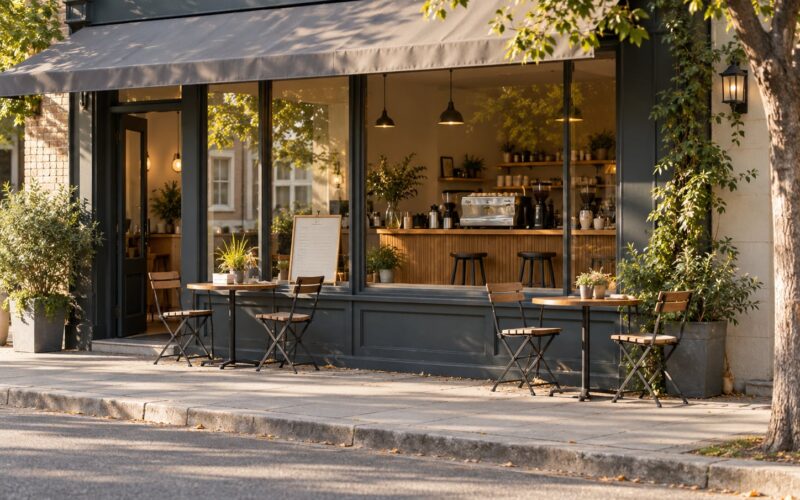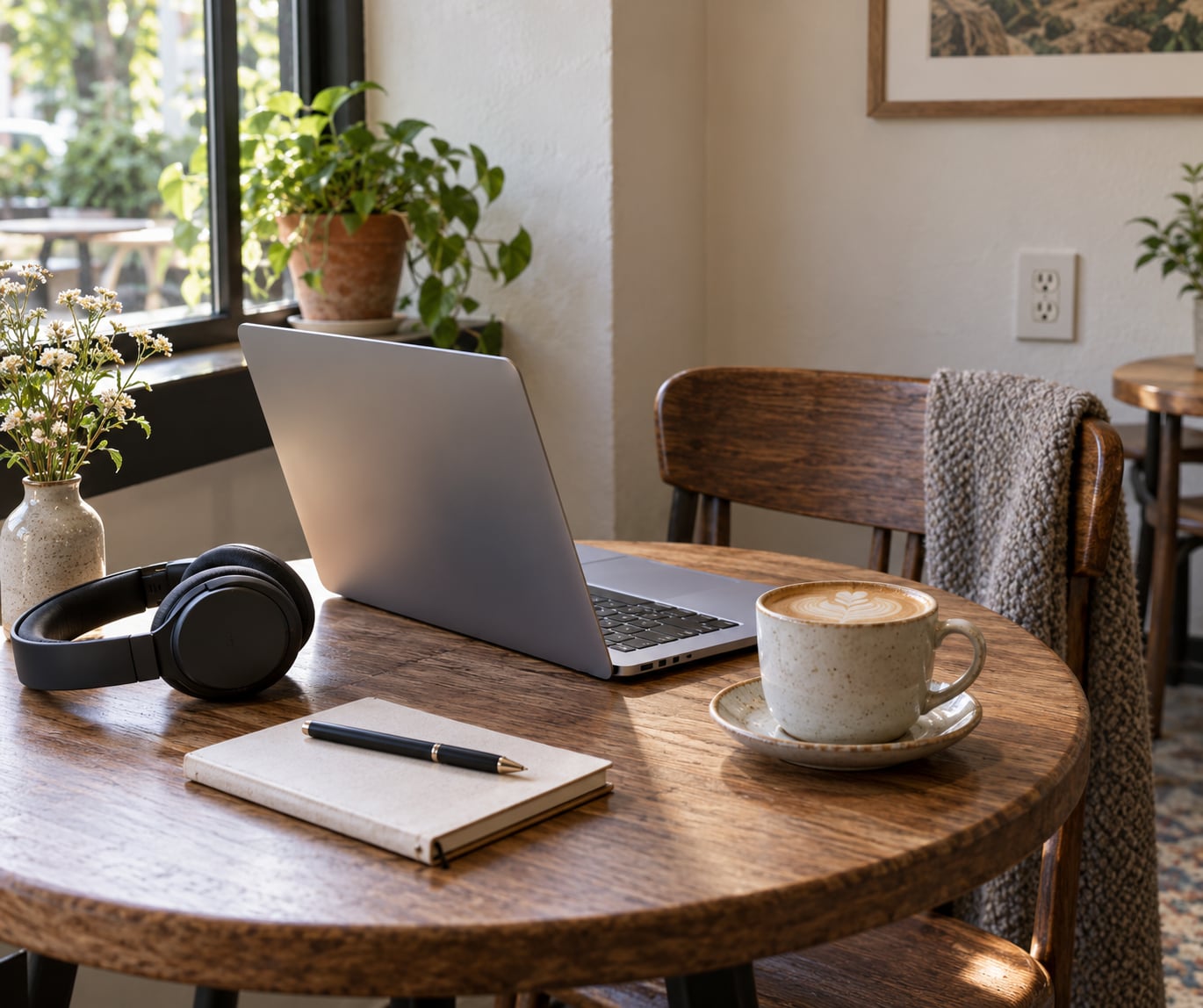
Cafe etiquette for working on a laptop is simpler than most guides make it sound: buy something, take one table, keep every sound inside your headphones, and pack up before the room needs the seat back. That is the whole idea, and getting it right takes about ten minutes of attention. A full session usually runs two to three hours once you have settled in.
What follows is the sequence I use. I have spent a lot of hours in cafes on my own, and the mistakes that annoy people are rarely big ones. They are the small things, repeated badly.
Table of Contents›
- What You Need
- Step-by-Step Cafe Etiquette for Working on a Laptop
- 1. Check Whether the Cafe Welcomes Laptop Work
- 2. Choose a Seat That Works for Everyone
- 3. Order Before Settling In
- 4. Work Quietly and Avoid Taking Shared Space
- 5. Protect Battery, Power, and Wi-Fi
- 6. Know When to Take a Break or Leave
- 7. Leave the Table Better Than You Found It
- Common Mistakes
- Frequently Asked Questions
- Is it okay to work on a laptop at a cafe?
- Do I need to buy a drink to work on my laptop?
- How long should I stay at a cafe while working?
- Can I take a video call inside a cafe?
- What should I do if all the cafe seats are occupied?
- Is it rude to use a cafe outlet or bring an extension cord?
- Conclusion
What You Need
You do not need to buy anything to work respectfully in a cafe. You need the right setup, the right manners, and a fairly good read on the room you have walked into.
On the gear side: headphones, a charged battery, and a power bank if you plan to stay past the afternoon. A charger is useless without a socket, so treat outlets as a location decision rather than an afterthought. A small external keyboard and a notebook are more useful than most people expect. Bright screen and noisy typing bother people far more than they bother you.
On the room side, five signs tell you whether a cafe tolerates laptops before you order:
- Other people are already typing, not just scrolling and drinking.
- Tables are small enough that a big screen fits comfortably.
- There are more than two free power sockets in the room.
- A sign at the counter points some tables out as the working ones.
- WiFi details are posted, and nobody is hovering over a laptop waiting to authenticate.
A quiet room with four-person tables and one lonely socket is a cafe for reading, not working. Go somewhere else. The short version is that furniture tells you more than the menu does.
Step-by-Step Cafe Etiquette for Working on a Laptop
1. Check Whether the Cafe Welcomes Laptop Work
Read the room for thirty seconds before you order, and check the counter for a posted policy. Signage is the single most reliable signal, because cafes that restrict laptops usually say so. An unmarked notice by the till means no devices during lunch and dinner service, which is a scheduling problem you can solve by arriving at ten instead of one.
Then watch the staff for a moment. A barista who glances at your bag and points at particular tables is telling you the answer more clearly than any sign. Staff behaviour is the policy in practice. What you worked out in the first thirty seconds saves you from the conversation you would rather not have at hour three.
2. Choose a Seat That Works for Everyone
Pick a two-person table when you are working alone. It gives you desk space without taking a table that four people could use, and it is the single easiest way to stop a stranger from asking if they can share.
Next, weigh three things. Outlets decide whether you can stay past ninety minutes. Noise decides whether you can concentrate. Distance from the counter door decides whether you will be interrupted every few minutes. If you need absolute quiet, you want the roomiest seat, and that is a trade you have to make deliberately rather than by accident.
Leave the walkway clear and give every other person a real cushion of space around their table. In a crowded room, sit where the staff are happy to see you, not where the light is best.
3. Order Before Settling In
Order a drink and some food before you open the laptop, not after you have been sitting for twenty minutes. It is the cheapest goodwill you will ever buy, and it costs the price of a coffee and a sandwich.
From there, the sensible rhythm is one more order roughly every hour and a half to two hours. Reordering tells the room you are still a customer. A cup you finished forty minutes ago tells them nothing.
There is no fixed time limit written anywhere, but the norms people repeat most often are worth knowing. Under an hour is never a problem. Two to three hours with a couple of orders is comfortable in most places. A full day is only fine when the cafe is quiet, you keep buying things, and nobody has hinted otherwise. The forty-five-minute mark without ordering is where opinions start to harden, mostly because you stop being a paying guest.
Tipping belongs here too. The advice from people who have actually worked behind a counter is blunt: tip enough to cover the table you are holding. If you occupy a good table for four hours, that means a tip on the order of what you would leave in a jar for the same time. Not a percentage rule. A judgement call.
4. Work Quietly and Avoid Taking Shared Space
Headphones go on for music, video and every call. That is the rule almost everyone agrees on, from customers and from cafe owners writing about the problem from behind the bar. The sound of someone else’s podcast or meeting is the thing that makes a room unusable, and it travels further than you think it does.
Video calls are the hard case. My rule is that a cafe is fine for a one-to-one call of a few minutes, and wrong for a client meeting or anything with more than two people in it. Take it to a booth, a hallway, or outside. If a call genuinely has to happen where you are, warn the people nearest you first and keep it short.
Keep your gear inside your own table. A laptop, a mug, and a notebook are a working setup. A laptop, a mug, a notebook, a second bag, a tablet and a jacket spread across the chair next to you is taking two tables.
5. Protect Battery, Power, and Wi-Fi
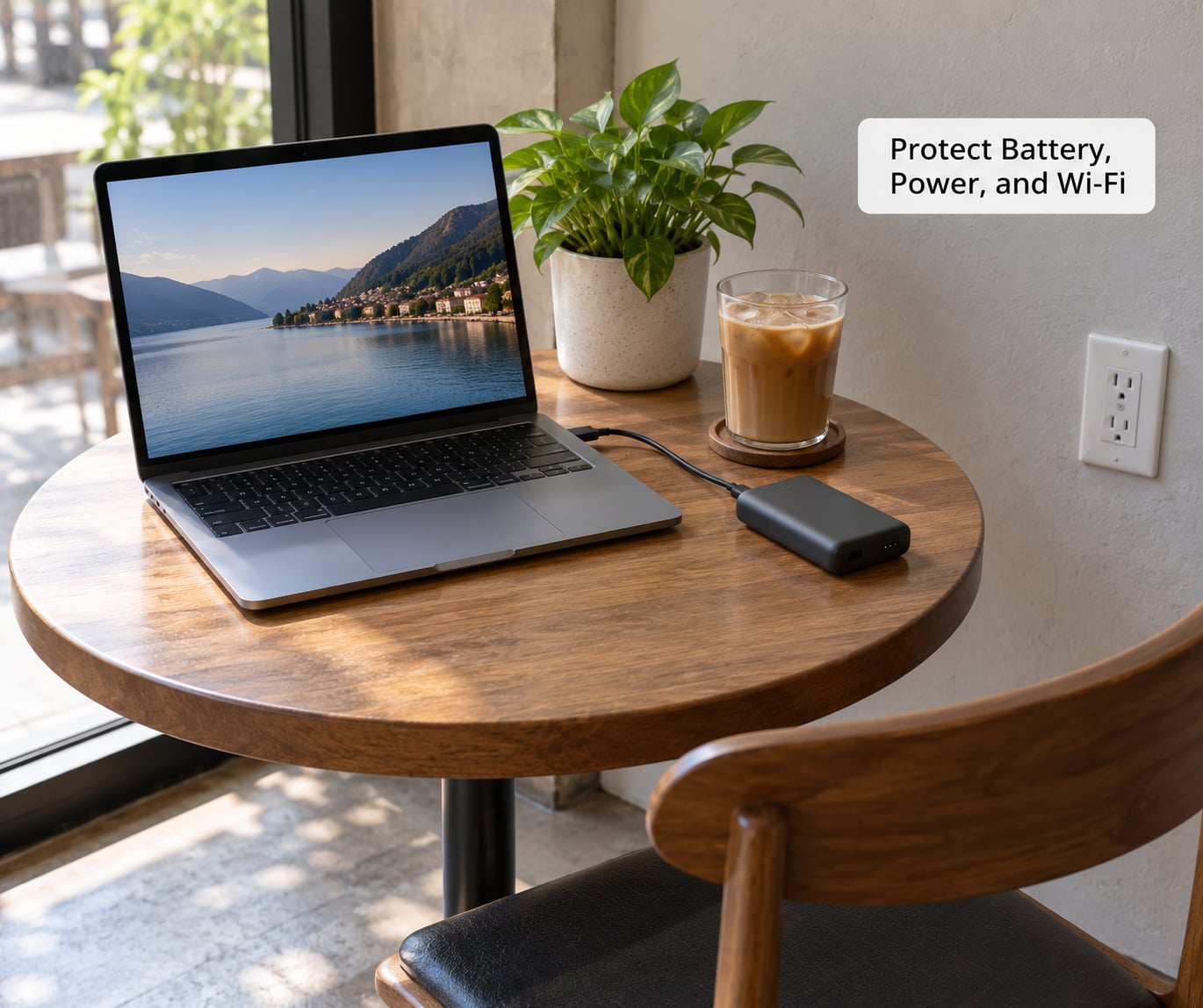
Start at full charge. A cafe WiFi network that requires a portal login every thirty minutes will not support a call, so test the connection before you commit your afternoon to it. If the network is unreliable and you need to talk to people, use your phone hotspot with headphones on.
Use an outlet when one is meant for customers and you are not blocking it. A cable stretched across a walkway gets unplugged, usually by staff, usually without a conversation. If several people need the same socket, that is your cue to move or to shorten the session.
Extension cords and power strips are a different matter. Many cafes ban them outright because of trip hazards and load on the circuit, and some simply do not have the sockets for them. Ask first, keep it short, keep it out of the aisle.
Laptop security is ordinary common sense rather than cafe etiquette. Take the device to the counter when you reorder, keep it with you for the restroom, and do not leave valuables in a bag on the chair beside you in a room full of strangers.
6. Know When to Take a Break or Leave
Watch three signals and you will rarely be wrong. The first is a queue forming at the counter. The second is staff refilling other tables while yours stays empty. The third is your own battery dropping under twenty percent with no reliable socket.
None of those mean you have done something wrong. They mean the room has changed. Take a ten-minute walk, a comfort break, or a trip to a nearby square, then come back and buy something.
If the room stays busy, pack up. A cafe only works as an office when the economics work for everyone, and an occupied table with no spend is the version that gets policies tightened. This is also why cafe etiquette for working on a laptop has become more rule-heavy in recent years. Cafes in Paris now commonly use time limits during peak service, no-laptop zones, and in some cases restrictions on WiFi access. A Canterbury cafe took the opposite route a couple of years ago and banned laptops outright during its premium lunch and dinner service. The trade view is simple: a table that earns nothing but blocks four paying covers is a cost.
Independent cafes carry more of that pressure than chains, which is why people assume an independent shop is riskier. Often the opposite is true. Ask, and pick a quiet time, and you will usually be fine.
7. Leave the Table Better Than You Found It
Clear your own dishes, or ask whether staff clear them here. Wipe a spill if you made it. Take every belonging, including the charger cable looped under the chair and the paper cup in the side pocket.
Thank the person who served you. That is the whole exit protocol, and the tip conversation belongs before you leave rather than at the door. Not every cafe expects a particular amount, but nearly every cafe notices when a laptop user leaves a table clean and says thank you.
Common Mistakes
Most cafe complaints come from a short list of repeat behaviours. Each one has a simple correction.
- Taking a large table during the rush. Move to a smaller table, or move to a different cafe. A four-person table at one o’clock costs four customers their lunch.
- Speakerphone and video calls. Take the call outside, or switch to headphones and keep it to a couple of minutes if it is only a quick call.
- Holding an outlet with one cable while three people wait. Use your battery, or move to a table with its own socket.
- Leaving a bag on a chair to reserve the table while you queue. If you cannot take the seat with you, do not hold it.
- Sitting on one drink for five hours. Reorder roughly every hour and a half, and tip for the time you are taking.
- Opening the laptop before ordering. Buy first, then work. It also protects you if the cafe turns out not to want laptops today.
- Getting defensive when staff ask you to move. Comply, pay for what you have had, and leave without a scene. One bad scene follows you to the next cafe in town.
If you do get asked to move or leave, the calm version is: close your laptop, thank them, ask whether there is a better time or a better table, and buy another drink on your way out. No argument about what the policy should be, and no comment to the rest of the room about your rights. Cafes change their minds about laptops based on how the day is going, not on principle.
Frequently Asked Questions
Is it okay to work on a laptop at a cafe?
Usually yes. A laptop is a normal customer in most cafes, and many welcome it openly because seated customers who stay for hours are good for the business. The exceptions are cafes that have posted a no-laptop or no-device policy, and those signs are worth reading before you order. Check the counter, check the tables, and if nothing is posted, ask a barista in one sentence.
Do I need to buy a drink to work on my laptop?
You should. Nobody has to buy anything, but a person sitting for three hours on one small coffee is a different proposition from a customer. A drink plus food, and a tip that reflects the length of your stay, is the norm people follow. It also means you are covered if the cafe later changes its mind about laptops and asks you to move on.
How long should I stay at a cafe while working?
Under an hour is never a problem, and two to three hours with a couple of orders is comfortable almost anywhere. A full day works when the room is quiet, you keep spending, and nobody has asked you to move. The signal that you have stayed too long is not a clock but the room: a queue at the counter and staff serving every table except yours means it is time to go.
Can I take a video call inside a cafe?
Short calls are fine with headphones. Longer calls and multi-person client meetings are not, because your conversation becomes everyone else’s background noise and a cafe is rarely quiet enough for the other side to hear you. Step outside, use a lobby or a quiet corner of a larger space, or book a meeting room at a coworking space if the call matters. A two-minute call at your table is a reasonable exception.
What should I do if all the cafe seats are occupied?
Do not assume every occupied table is unavailable, but also do not assume you can join a table where someone is eating alone. Look for signs pointing to a laptop-friendly zone, or ask a member of staff, who will usually point you at the right corner of the room. If the cafe is full of diners with laptops closed, it is a cafe for eating today, and another one nearby is the faster answer.
Is it rude to use a cafe outlet or bring an extension cord?
Using a socket placed for customers is fine, as long as you are not blocking it and other people can reach it. Extension cords and power strips are a different matter, and plenty of cafes ban them because of trip hazards and circuit load. Ask the staff first, keep any cable out of the walkway, and never run a lead across a busy route just because it saves you thirty seconds.
Conclusion
Cafe etiquette for working on a laptop comes down to five things. Read the posted policy before you sit, choose a small table with the outlet and the noise level you need, order something, keep every sound inside your headphones, and pack up when the room needs the seat back. Do that and laptop working stays available to everyone, including you.