You test hotel wifi speed before a long stay by getting a measured number for the exact room you would book, at the hours you would actually work, instead of trusting a listing that says “high-speed wifi available” and stops there. It takes about ten minutes once you are in the room, plus one short email before you pay anything.
On a two-night trip, bad wifi is an annoyance. On a six-week booking it is infrastructure, and most properties offer no remedy once you have committed. A number you measured yourself is the only thing that stands between you and a lost month of work.
Table of Contents›
- What You Need
- Step-by-Step: How to Test Hotel WiFi Speed Before You Commit to a Long Stay
- 1. Confirm the network name, password, and room location
- 2. Run a baseline hotel wifi speed test
- 3. Check latency, jitter, and packet loss
- 4. Test at the times and places you will actually use
- 5. Run a real video call or large-file transfer
- 6. Ask for a long-stay alternative if the results are weak
- Common Mistakes
- Frequently Asked Questions
- How much Mbps do I need for remote work from a hotel?
- Can I test hotel wifi before I arrive?
- Why is hotel wifi so slow even when the speed test looks fine?
- What is a good ping for video calls and remote work?
- Should I trust a wifi speed screenshot from a host or property?
- What do I do if hotel wifi is unusable after I have paid for a month?
- Conclusion
What You Need
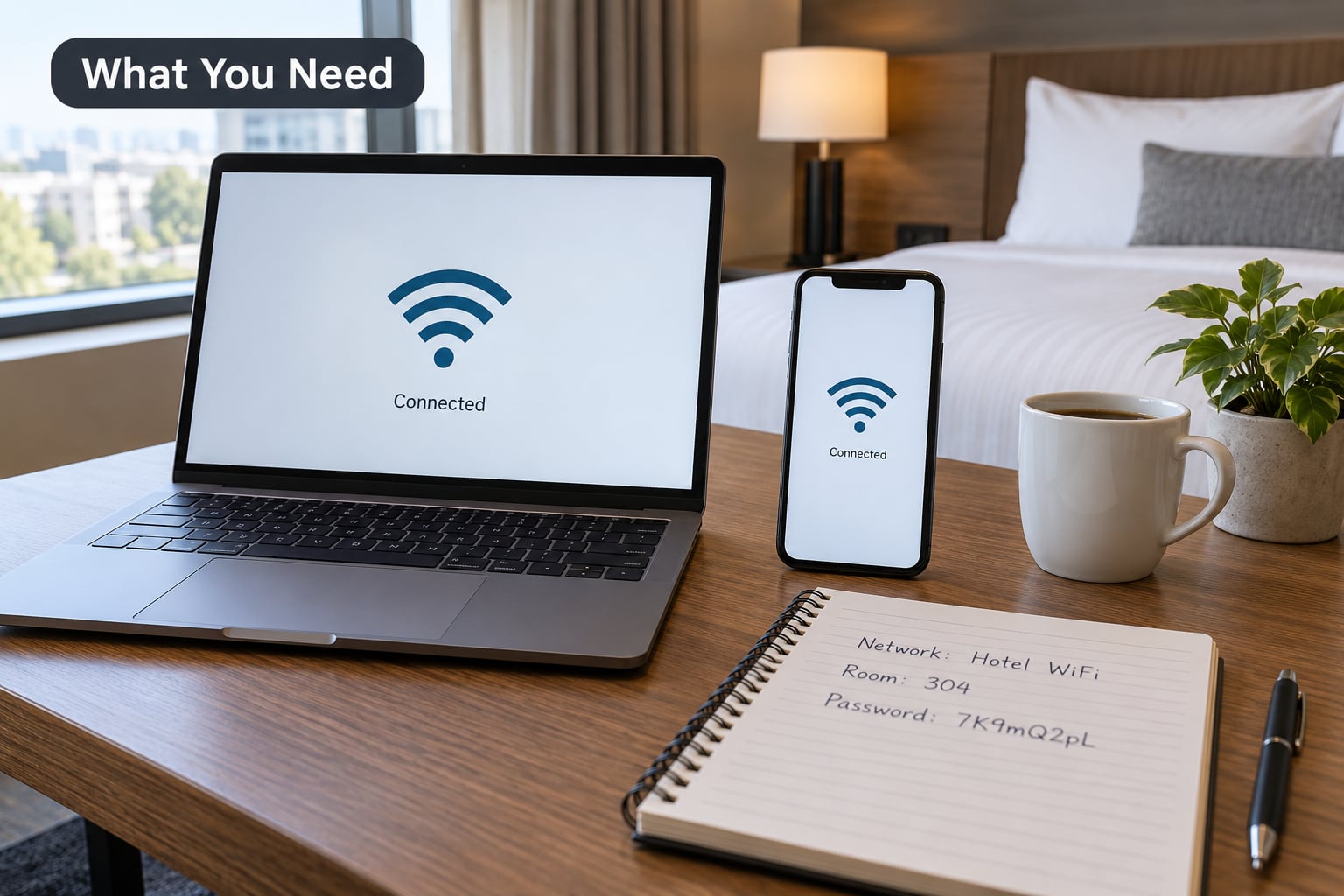
You need far less than people expect. What matters is testing on the device you will actually work on, in the room you would actually be given.
- The machine you will work on. A laptop matters more than a phone. Phone results flatter the connection; laptops with background cloud sync running tell the truth.
- The hotel’s official network name and password. Guest networks are usually printed on the room card or the Wi-Fi instructions sheet, and often split into a few SSIDs. Note the exact one you are meant to join.
- The room number and floor you are booking. A corner room on floor six is a different network path from a room at the end of a corridor beside the lift.
- A reliable test method. Speedtest.net, Fast.com, and the Cloudflare speed test are all browser-based and free. Pick one and stick to it so your numbers are comparable over time.
- Somewhere to record results. A note on your phone with the date, the time, the room, and the four numbers. Screenshots with visible timestamps are what make a complaint land.
- A named backup. Identify a coworking space or cafe within walking distance before you arrive, and check what a local eSIM or hotspot would cost you for a month.
One thing worth adding before you go: a USB-C or travel Ethernet adapter. Finding a wired port in a hotel room is a lottery, and when you do find one it is often the most stable option available to you.
Step-by-Step: How to Test Hotel WiFi Speed Before You Commit to a Long Stay
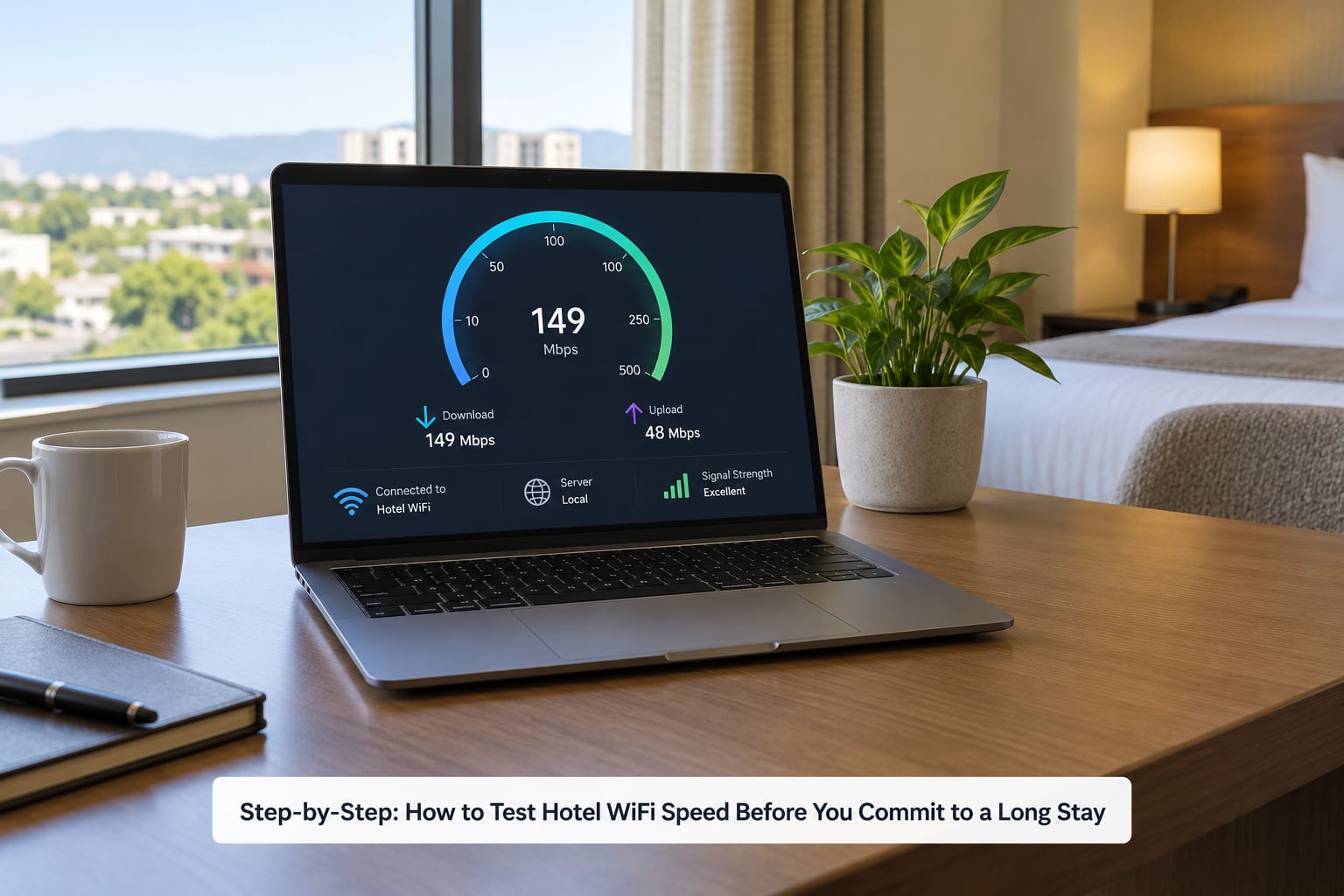
Run the sequence in order. Confirming the network first stops you measuring a neighbour’s router, and saving the real-workload test for last means the earlier numbers stay clean. If any step fails, you have found your problem before you have paid a deposit.
1. Confirm the network name, password, and room location
Check the network name printed in the room against the SSIDs your device can see. Guest networks in hotels often sit next to private ones, and an unsecured network called something like “Cafe Free WiFi” is not the hotel’s. If the room’s sheet names one SSID and your laptop sees three, ask the front desk which one to use rather than guessing.
Then confirm the scope of any number you were given. A property quoting 200 Mbps has usually measured that at the desk or in a conference room, on a wired line, while nobody else was online. Ask directly whether that figure is for the guest network and whether it applies to your floor.
2. Run a baseline hotel wifi speed test
Close streaming apps, cloud sync, and system updates first, then run one test from the desk where you would sit. Record download and upload separately, and write down the time. A single reading is a starting point, not a verdict.
Run a second test on a different service the same day. People on Reddit’s r/HomeNetworking point out that the default test server can return a slower reading than others on the same connection, so one tool is not proof of a problem. If Cloudflare and Speedtest.net disagree wildly, the line is unstable rather than simply slow.
3. Check latency, jitter, and packet loss
Average speed hides the failures that ruin a working day. Latency is the round-trip delay in milliseconds, jitter is how much that delay wobbles, and packet loss is data that simply never arrives. Together they decide whether your call freezes or holds together.
- Latency under roughly 50 ms keeps video calls natural. Above 100 ms, people start talking over each other and you see the delay in your own voice.
- Jitter under about 30 ms is the usual comfort zone. Spiky jitter causes audio crackle even when the bandwidth looks fine.
- Packet loss under 1 percent is healthy. A few percent shows up as a connection that drops mid-sentence and reconnects without telling you why.
These are general network guidelines, not promises about any property. What matters is comparing your room’s figures against those numbers and against the lobby or a cafe in the same building.
4. Test at the times and places you will actually use
A reading taken at 11pm in a half-empty property is close to useless. The hours that decide whether a connection works are the ones you will be in it: a weekday morning from roughly 8 to 10am, and the evening window when everyone in the building is streaming at once.
Test in three places inside the room. The desk chair, the bed, and the bathroom tell you different stories, because walls and distance from the access point change the signal path. For a month-long stay, the difference between the desk and the bed is the difference between a good room and a room you will dread working in.
Then test a week later if you can negotiate a short first booking. Occupancy patterns that week are usually the closest preview you will get to the month you are about to buy.
5. Run a real video call or large-file transfer
Now stop measuring and work. Join a call with your camera on for ten minutes and share your screen, since screen sharing is the part that reveals weak upload. Then push a large file to cloud storage and time it.
Download speed is the number most listings quote, and it is the one that matters least. Upload speed is what breaks calls, and a property can show 200 Mbps down and 5 Mbps up and still be unusable for your job. As a rough guide, a single person on HD video calls and screen sharing wants at least 10 Mbps up and a bit of headroom, more if anyone else in the room is online.
If the call holds and the upload finishes at a believable rate, the connection does the job. If it stalls, buffers, or drops, you have something a speed number would never have told you.
6. Ask for a long-stay alternative if the results are weak
Bring the record, not just the complaint. Front desks respond far better to a message that says “Room 214, Tuesday 9:15am, 8 Mbps down, 2 Mbps up, upload stalled twice during a call” than one that says the wifi is bad. On r/digitalnomad, long-stay travellers keep repeating the same lesson: the ask is for evidence and a named alternative, not a complaint.
Then pick one of three routes. Ask for a room closer to the access point, often on a different floor or nearer the lift, and test again. Ask for a wired connection in the room, which is far steadier under load. Or get the property to adjust the booking terms, since some will offer a partial refund or a move if you show the problem on arrival and again after they have tried to fix it.
When a property cannot meet your stated need, the honest fallback is a cheaper room near a coworking space. Residential-area connections often average around 30 Mbps while coworking desks run far faster, and a ten-minute walk twice a week costs less than a month of paying for a room you cannot work in. Know what an eSIM or hotspot for a month would run you too, in case the wifi fails completely.
Common Mistakes
- Testing once. One reading is a snapshot. Take three readings at least an hour apart, and one in the evening, before you draw a conclusion.
- Trusting the marketing number. “Fibre internet” and “high-speed wifi” describe the building’s line, not what reaches your desk on a busy Saturday night. Ask for a number in Mbps and ask when it was measured.
- Measuring near the router. A reception desk or a corridor close to the access point will always look better than the room. Test where you would sit.
- Ignoring upload speed and latency. A fast download with slow upload and high jitter still ruins calls. Write all four numbers down every time.
- Testing only when the property is quiet. Congestion is the whole problem. An idle-morning reading tells you nothing about a full house.
- Never asking whether the room fits the workload. Say what you need in concrete terms: daily calls with screen sharing, large file uploads, or two people working. A property will often match you to the right room if you make the ask plainly.
One more habit that pays off: keep a short weekly log of your readings for the length of a long stay. Networks degrade as equipment ages and as bookings change, and a log turns a vague feeling into something you can act on.
Frequently Asked Questions
How much Mbps do I need for remote work from a hotel?
For one person doing video calls, email, and cloud work, aim for at least 25 Mbps down and 10 Mbps up, with latency under 50 ms. Two people sharing a room want roughly double that. Upload speed and latency decide call quality, so a connection showing 100 Mbps down and 3 Mbps up will still frustrate you daily.
Can I test hotel wifi before I arrive?
Not directly, but you can narrow it down. Ask the front desk in writing for a recent speed test result, including the date, the room, and the upload figure. Cross-check recent reviews for complaints about slow wifi, and check the listing for an in-app speed test result if you are booking through a platform. Nobody can guarantee the room you get.
Why is hotel wifi so slow even when the speed test looks fine?
A fast reading can hide several problems: the line is shared with other guests, packets get lost on a crowded wireless channel, or the property throttles each device to keep total usage down. Captive portal logins that re-authenticate, VPNs being blocked, and a weak signal in the room all add delay that a download number never shows.
What is a good ping for video calls and remote work?
Under 50 ms feels instant and is the target for daily calls. Between 50 and 100 ms is workable, with occasional overlap on fast exchanges. Above 100 ms, video starts lagging behind audio. Packet loss matters just as much: above about 1 percent, calls freeze and reconnect regardless of how good the ping looks.
Should I trust a wifi speed screenshot from a host or property?
Treat it as a clue, not proof. Check the date, because a result from six months ago says little about today, and check whether it was taken in the room or at reception. Ask for the upload number too, since screenshots usually show download only. The most useful evidence is a timed screenshot from a guest on a normal evening.
What do I do if hotel wifi is unusable after I have paid for a month?
Document it immediately with dated readings, then ask the front desk for a fix in writing and give them a chance to try. Ask to move to a room nearer the access point or to use a wired connection. If the property cannot meet the need you stated before booking, ask about a partial refund, and keep a coworking space or hotspot ready as a fallback.
Conclusion
The first thing to do is simple: get a measurement from the actual room, not a description of it. Ask in writing before you book, then run your own tests in the first hour of arrival, at a busy hour, in the part of the room where you would actually sit.
Once you have the numbers, judge all four of them together. Speed decides how fast files move, upload decides whether your calls hold, latency decides how laggy they feel, and packet loss decides whether they drop. A few days of real work in the room will tell you more than any figure on a listing, and it is the only test that matches what you are paying for.