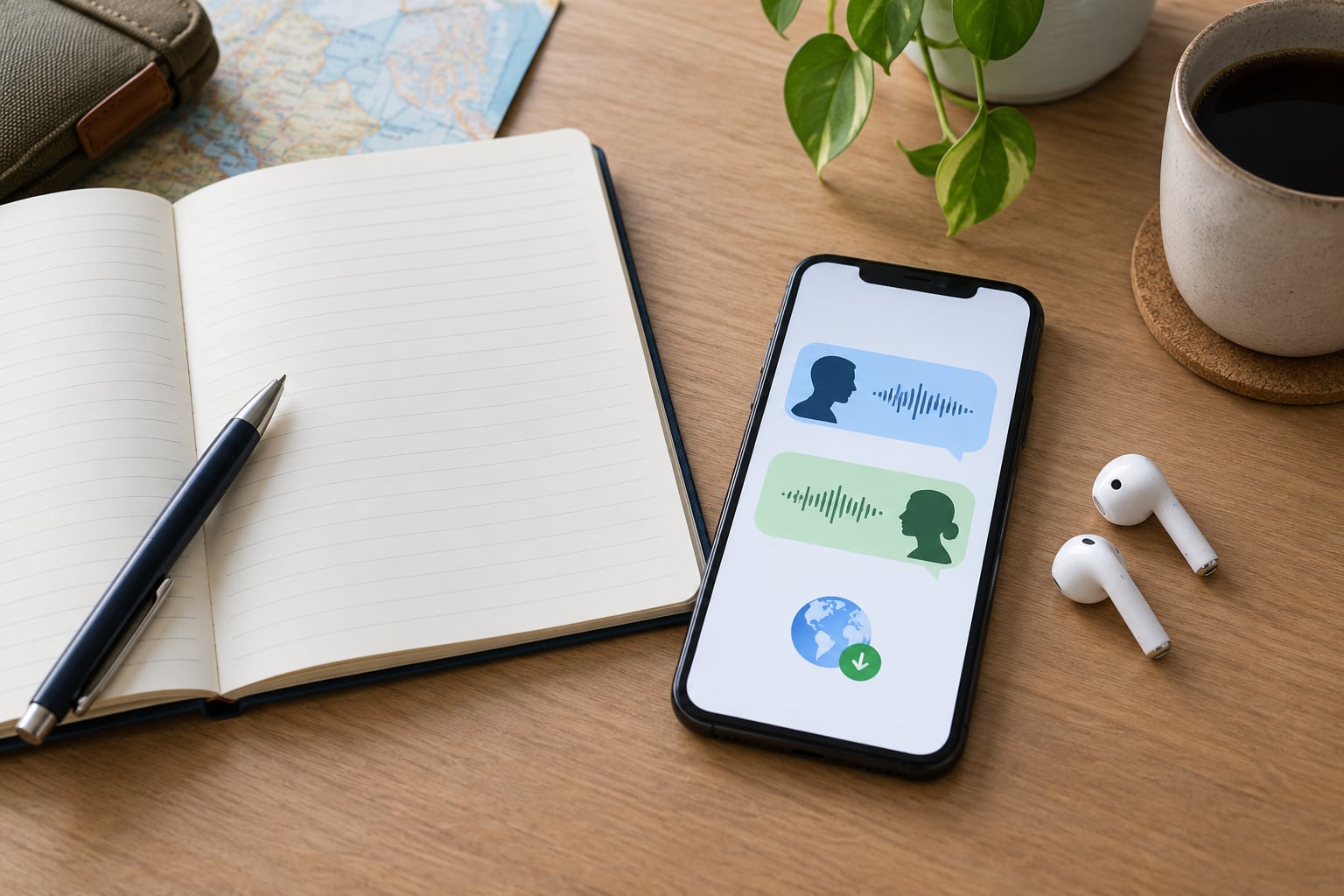
Using a translation app is not rude. What reads as rude is the delivery: shoving a glowing screen into someone’s face, staring at it through the whole exchange, or translating a person’s words straight back at them. Most people would rather you tried than that you froze. This guide covers how to use a translation app without being rude, from the first request through the thank-you.
The awkwardness almost never comes from the technology. It comes from turning a human exchange into a transaction, and it is entirely avoidable with a few habits. It takes about a minute of preparation and less than ten seconds of manners per conversation.
Table of Contents›
- What You Need
- Step-by-Step: How to Use a Translation App Without Being Rude
- 1. Decide When Translation Is Actually Needed
- 2. Write a Short, Polite Request First
- 3. Use Conversation Mode Carefully
- 4. Speak at a Human Pace
- 5. Confirm the Meaning Instead of Assuming
- 6. Thank the Person and Close Naturally
- Common Mistakes
- When Not to Use a Translation App at All
- Quick Tips for More Respectful Translation App Use
- Frequently Asked Questions
- Is it rude to use a translation app when talking to locals?
- What do I say before using a translation app on someone?
- Is it rude to hold your phone up at someone’s face to translate?
- What do I do when the translation comes out wrong in front of both of us?
- Is conversation mode safe for medical or personal information?
- Can I use my phone as a real-time translator for the whole conversation?
- Conclusion
What You Need
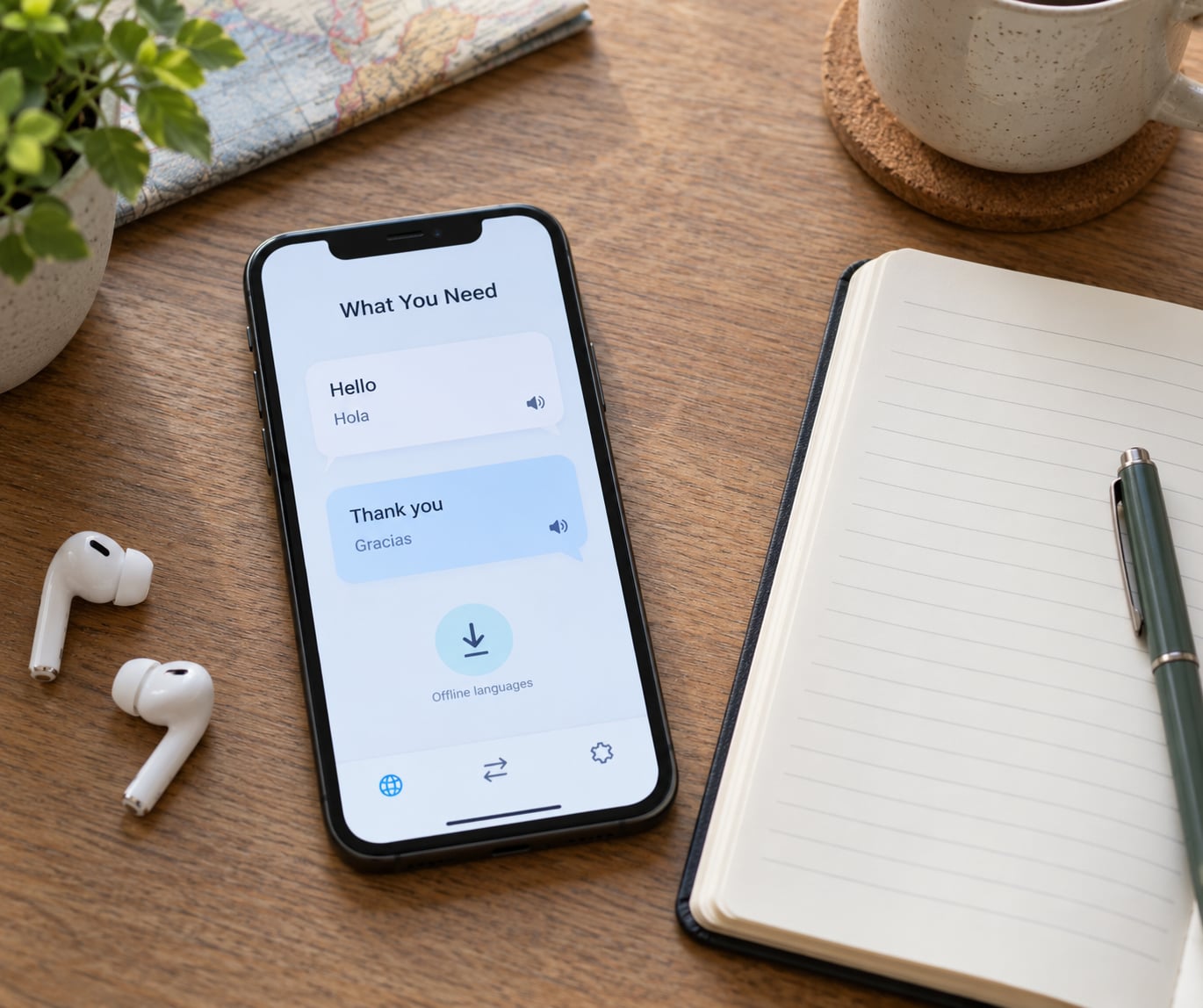
Before you need it, set all of this up. Doing it at the hotel on Wi-Fi beats doing it in front of a shopkeeper who is waiting on you.
- A translation app you have actually opened before. Names and menu labels differ by app and device, so open yours once at home and find the microphone, the language pair, and the conversation option while nothing is on the line.
- Offline language packs for the local language and English. Download both on Wi-Fi. This is also basic courtesy: a dead phone held up to a stranger is a dead end for both of you.
- A short phrase list in your phone’s notes. Five or six typed sentences you can paste instantly: permission to use the app, do you speak English, please repeat that, thank you very much, I am sorry, that was clear.
- A way to hear the translation. Conversation mode usually plays the output aloud through the speaker, and earbuds on one side can let you hear it without the volume disturbing the room. Headphones worn on both ears hide the fact that you are translating at all, which some travellers prefer.
- A way to check tricky wording. When the output looks strange, type the sentence by hand or ask a second source. Register is where machine translations embarrass you.
Step-by-Step: How to Use a Translation App Without Being Rude
1. Decide When Translation Is Actually Needed
Reach for the app when the stakes are high and the vocabulary is low. Directions, a medication instruction, an ingredient you are allergic to, a price, a rule at a temple, a clarification someone clearly misunderstood.
Skip it when a gesture, a menu photo, a pointing finger at a map, or six memorized words would do the job just as well. Ordering coffee does not need a screen.
There is also a subtler test. If the other person is standing in front of you, the app should support the conversation, not replace it.
2. Write a Short, Polite Request First
Announce the app before you use it. One short sentence, in their language or in plain English, does almost all the work.
In English: “Excuse me, would you mind if I used my phone to translate?” Or simpler: “Sorry, I do not speak your language. May I use my phone?” In Spanish, the advice that circulates in r/CostaRicaTravel is worth stealing: Inglis, está bien – English is fine.
Say it while looking at the person, then pick up the phone. Doing it in that order is what separates a request from an interruption.
3. Use Conversation Mode Carefully
Conversation mode is the feature built for this: one person speaks, the app transcribes and translates, then the other person answers and the exchange repeats. Two or three short turns usually cover an order, a route, or a single question.
Set the language pair once and check it before you speak, not after the wrong output appears. Speak your own sentence, let it play, then put the phone down and actually listen to the answer.
Do not keep firing prompts while the other person is still talking. Re-running the translation mid-sentence reads like you think their first attempt was wrong.
4. Speak at a Human Pace
Most mistranslations are recognition failures, not language failures. Hold the phone about a forearm’s length from your mouth rather than pressing it to your face, and speak at the pace you would use to give directions to a friend.
Keep sentences to roughly eight words. Run-on input gets chunked badly, and long clauses are where tone gets flattened.
If recognition keeps failing, drop to typed text. Nobody minds a traveler typing a careful sentence. When speech recognition fails twice, stop trying a third time and switch to typing.
5. Confirm the Meaning Instead of Assuming
Machine output is a starting point, not a guarantee. For anything that matters, ask the other person to say it back in their own words.
Short confirmation phrases work well: “Can you repeat that, please?”, “Just to be sure – one o’clock?”, “So, is the fee included?”
The one to watch is tone. Literal translations of ordinary questions can land as blunt or even rude, particularly with languages that mark formality in verb endings. If the output looks aggressive, rephrase before you send it: soften the request, add please, and check whether a shorter version reads better.
6. Thank the Person and Close Naturally
A thank-you does more work than any setting in the app. Say “thank you, that helps” – out loud, in their language if you can manage one word – then pocket the phone rather than scrolling while you walk away.
If the exchange was clumsy, apologize for the difficulty once and move on. Long explanations make it worse.
And if someone waves you off, or prefers their own way of communicating, switch to theirs. A guide with better English, a teenager happy to practise, a host who speaks your language – all better than a screen.
Common Mistakes
- Holding the phone inches from their face. Rest it low, angle the screen toward you and the speaker toward them.
- Reading from the screen without looking up. Look at the person between turns, glance down only to speak.
- Opening with a silent, waving phone. One polite sentence first, then the app.
- Pushing a paragraph of text at them. One sentence, ideally under ten words.
- Ignoring a wrong translation. Say “the app got that wrong” and ask them to explain again.
- Repeating their words back verbatim. Respond naturally in your own phrasing through the app.
- Keeping the phone out on the counter mid-conversation. Put it away once the exchange is over.
Two more worth naming. Pointing the microphone at someone from across the table while you talk among yourselves is a good way to record a private conversation nobody agreed to; the same goes for photographing menus and signs in a small family-run place, where people often have not been asked all day.
Sensitivity cuts the same way. Naming a medical condition, a document number, or a booking reference into a phone in a public lobby sends it to a third-party service. In a clinic, ask the staff how they would prefer you to work, and keep anything identifying off the screen.
When Not to Use a Translation App at All
Some settings reward a person more than an app. Ceremonies and religious sites, quiet family-run eateries, small villages and rural areas where nobody handles these devices daily, and any conversation about grief, money, or someone else’s business. In a village two hours from the nearest tourist trail, a few learned words land better than a glowing screen every time.
Expectations also shift by place. Busy tourist districts see the app so often it barely registers. Ask about a country you are actually heading to rather than assuming a rule from your last trip.
Quick Tips for More Respectful Translation App Use
- Learn five phrases before you land: hello, please, thank you, excuse me, and do you speak English.
- Ask permission every time, even the tenth time. It costs two seconds and it is the whole ballgame.
- Keep the screen angled toward you. The person does not need to watch you use it.
- Type instead of speaking when the room is quiet or the other person is hard of hearing.
- Lower the volume so the translation does not carry across the room or table.
- Save phrases you used to a note, and revisit them tonight. Most travellers learn ten words by accident this way.
- If you are travelling solo, keep the person visible while you translate. Eyes up more than eyes down buys a lot of goodwill.
- Never record a person without asking, and treat a stranger’s face in your camera the same as their words.
Here is the shape of a normal exchange. “Excuse me, may I use my phone to translate?” The person nods. You say, “Is this dish spicy?” The app reads it out. They answer, and you ask, “Can you repeat that, please?” They do, slower this time. You say, “Thank you, that helps,” and put the phone away. Fifteen seconds, nobody uncomfortable.
Frequently Asked Questions
Is it rude to use a translation app when talking to locals?
No, not on its own. The tool is rarely the problem. What reads as rude is shoving the screen into someone’s face, staring at it through the whole exchange, or translating a person’s own words straight back at them. Announce the app, ask permission, keep the phone low, look at the person, and thank them afterwards. Most people are relieved you tried at all.
What do I say before using a translation app on someone?
One short sentence: Excuse me, would you mind if I used my phone to translate? Or, Sorry, I do not speak your language – is English okay? In Spanish, a well-travelled trick is to say Inglis, está bien before anything else. Say it while looking at the person, then pick up the phone. The order matters more than the words.
Is it rude to hold your phone up at someone’s face to translate?
Yes, more often than not. It puts a bright screen about eight inches from a stranger’s eyes and turns the exchange into a transaction. Rest the phone on the counter or the table, tilt it toward you, and angle the speaker toward them. Speak at a normal pace rather than leaning in, and pick the phone up again only when you are ready to talk.
What do I do when the translation comes out wrong in front of both of us?
Say it plainly and keep your face friendly: the app got that wrong, could you say it again? Then rephrase your sentence more simply and try once. If it still fails, apologise briefly and switch to gestures, a shared language, or a human interpreter. Never repeat the wrong output or argue with the screen in front of them.
Is conversation mode safe for medical or personal information?
Type into conversation mode sends what you say to a third-party service for processing, so treat it as not private. Keep names, document numbers, and booking references off the screen in a public lobby. In a clinic, ask staff how they would prefer you to work, keep the phone low, and for anything serious use a human interpreter instead of an app.
Can I use my phone as a real-time translator for the whole conversation?
Yes. Every major app has a conversation or two-way mode: one person speaks, it transcribes and translates aloud, then the other person answers and the exchange repeats. Two or three short turns cover most ordering, directions, and check-in questions. Long back-and-forth goes faster and sounds better if you keep sentences short and pause between turns.
Conclusion
Ask permission first, in one short sentence, before your hand even moves toward the phone. Then keep the screen angled toward you, speak in short sentences, confirm anything that matters, and thank the person when you are done.
Knowing how to use a translation app without being rude comes down to a two-second habit: ask first, then keep your eyes up. The app is a support tool. It cannot carry tone, apology, or the small signals that turn a request into a friendly exchange, so it does not get to replace them. Used with manners, it closes a language barrier. Used without them, it just makes one.