Most hotels that advertise remote-work-friendly are selling a lobby lounge, not a room you can work in for six hours. To find a hotel room with a real desk for remote work, you verify it before you commit money: study the photos, ask the property for a picture of the desk and chair in your exact room type, and book refundable so a vague answer costs you nothing. Ten minutes of checking per property saves a week of hunch-backed video calls.
Table of Contents›
- What You Need
- Step-by-Step: How to Find a Hotel Room With a Real Desk for Remote Work
- Set Your Remote-Work Requirements
- Screen Hotel Photos and Listing Details
- Ask the Hotel Specific Questions
- Confirm the Setup Before You Check In
- Test the Room on Arrival
- Common Mistakes
- Frequently Asked Questions
- How do I know if a hotel room has a desk?
- How much desk space do I need to work from a hotel room?
- What should I do if my hotel room has no desk?
- Is hotel Wi-Fi fast enough for video calls?
- Is the concierge the same as the front desk?
- Is a serviced apartment better than a hotel for a month of remote work?
What You Need
A real desk is not a table. It is four things you can confirm from a photo or a sentence on the phone, and each one has a number attached to it.
- A surface with room to work. Aim for at least 60 cm of depth and around 120 cm of width. That is enough for a laptop, a notebook and a drink side by side. A 40 cm ledge that fits the laptop alone fails the test.
- A chair you can sit in for hours. A task chair with a back and height adjustment is the target. A dining chair, a stool or a bench is not a workspace, no matter how tidy the photo looks.
- Power within arm’s reach. The outlet needs to sit at or near the desk. One socket behind the bed on the far wall means you are charging across the room every time the battery dips.
- Task lighting. A desk lamp or a window-side desk beats relying on the ceiling fixture. Screen-only lighting in a dim corner is how eyes and neck end a trip.
- A connection you can check. Ask for a recent speed test from the same room type, then run your own the moment you walk in. Video calling is the workload that exposes weak connections first.
- Room configuration that stays quiet. Request an upper floor away from the elevator, ice machine and connecting doors. Even a perfect desk fails if a housekeeping cart starts at 6 a.m.
None of this needs a special tool. A phone with the listing photos open and ten minutes of messages will do it.
Step-by-Step: How to Find a Hotel Room With a Real Desk for Remote Work
Set Your Remote-Work Requirements
Write down what your day actually looks like before you look at any property. If you spend the morning in writing or code review, surface width matters most and you can tolerate a fixed chair for a few hours. If your calendar is stacked with video calls, chair adjustability and a neutral background matter more than desk width.
Then set three hard numbers: minimum desk width, hours per day at the desk, and how many devices need power at once. Add the working days, not the nights, because a week-long trip is seven desk setups and a month-long stay is thirty.
Screen Hotel Photos and Listing Details
Open every image in the listing, not just the first one, and find the frame that contains the desk. Zoom in until you can see the surface edge. Ask three things: is the top wide enough for a laptop and a notebook, is the chair a task chair or a dining chair, and how many outlets appear near it.
Then search the reviews for the words desk, workspace, table, chair and wfh. Guests rarely compliment a desk, but they complain about luggage racks and bathroom counters, and that complaint is the most reliable data you will find. Several rooms being described as unusable surfaces is enough to skip the property.
Read the room type as a prior, not a promise. Business hotels and aparthotels put desks in standard rooms because that is their whole market. Leisure resorts sell the balcony. Booking platforms also carry a desk or workspace filter in the room amenities panel, which is faster than hunting through photos.
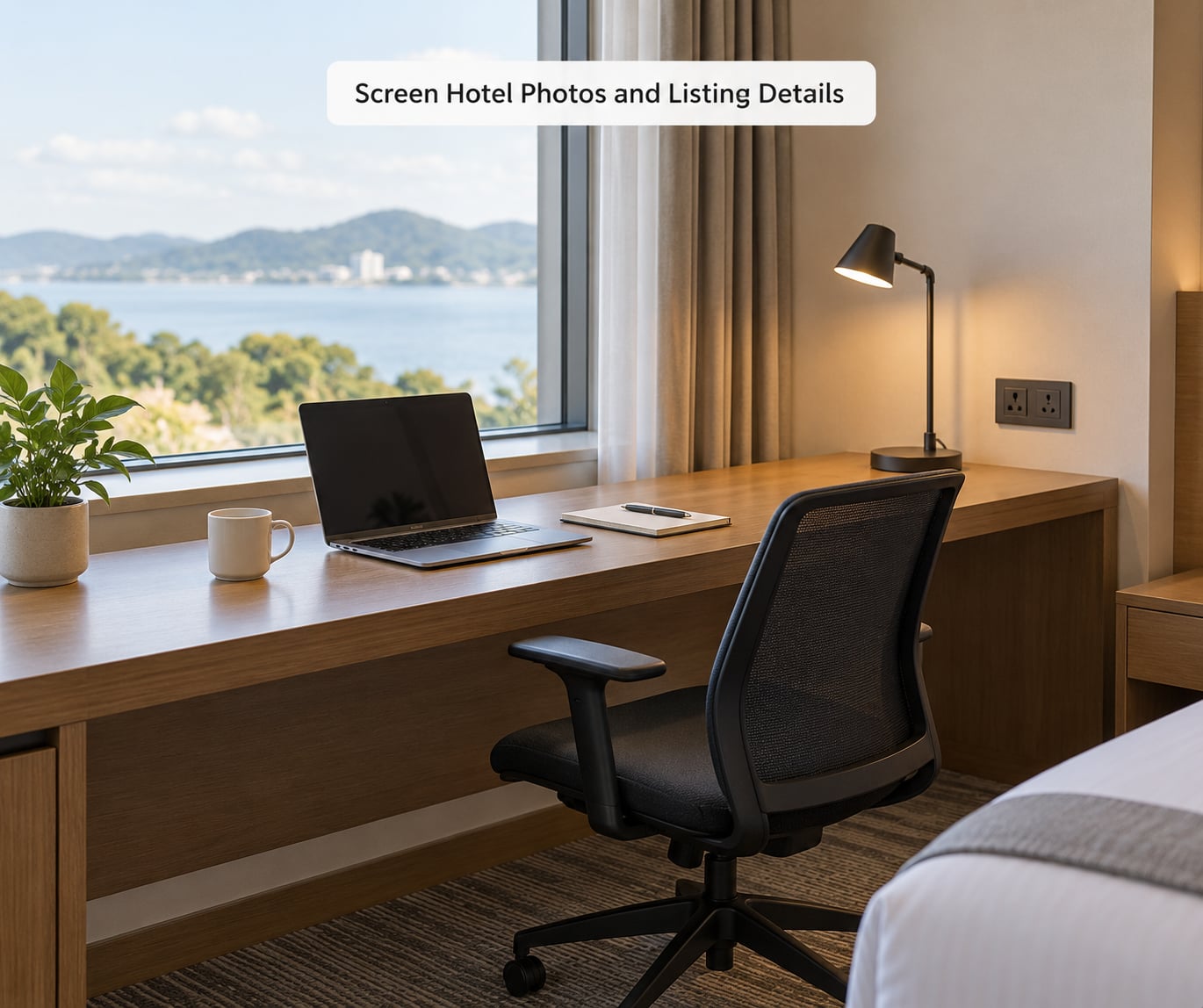
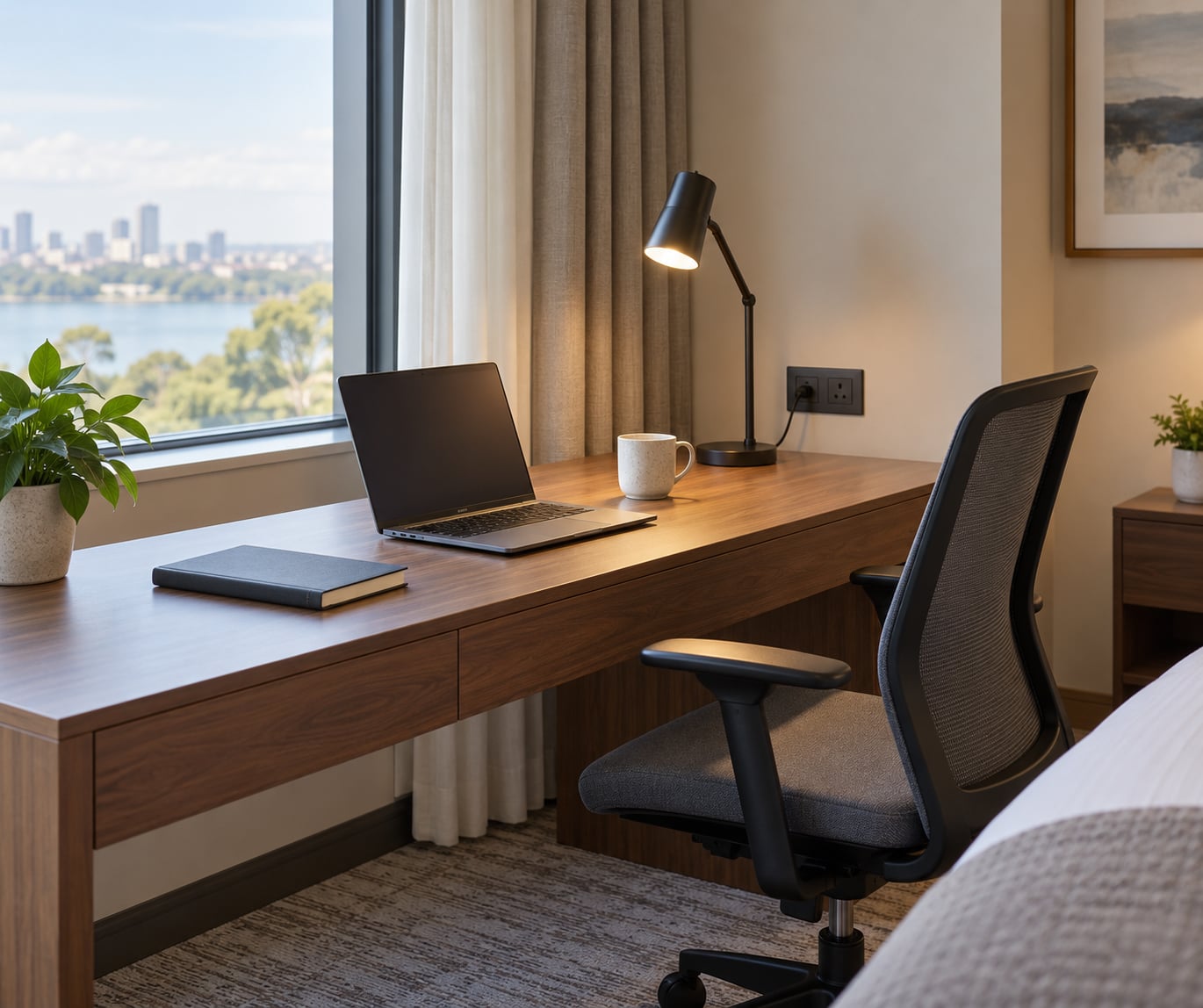
One photo can settle most of the argument. If the desk and the chair are in one frame, you can judge both before you ever send a message.
Ask the Hotel Specific Questions
Vague answers come from vague questions. “Do you have workspace facilities?” gets a yes from every property on earth, because it describes the lobby. Ask about the room type instead.
Hello, I’m booking [dates] for [number] nights and I’ll be working from the room during the day. Could you confirm whether the [standard/double] room includes a desk inside the room, and if so roughly how wide it is? I’d also like to know what the seating is, how many power outlets are near it, and whether you can send a recent photo of that room type showing the desk and chair together. Thank you.
On the phone, ask three things and write the answers down: the width of the desk, whether a task chair is provided, and whether the socket sits at the desk. If you cannot reach anyone before you book, book the refundable rate first, then send the question and walk away free if the reply stays vague.
Confirm the Setup Before You Check In
Ask for the answer in writing before you travel. An email that says the room has a desk is evidence; a sentence in a phone call you half remember is not.
Choose the refundable rate even when the non-refundable one is cheaper, because free cancellation is what makes the rest of this work. Once confirmed, ask the front desk for placement: upper floor, away from the elevator and ice machine, no connecting door if noise is the issue. Message again 48 hours out to check the confirmation is still attached to your reservation, since rooms get reassigned when housekeeping runs short.
Test the Room on Arrival
Spend the first hour of the stay checking, before you unpack. Sit in the chair and type for five minutes with elbows at 90 degrees; if your shoulders climb or your wrists bend upward, the desk and chair are mismatched and no amount of adjusting will fix it.
Count the outlets within reach of the desk, run a speed test, and listen at the hour you’ll work most. Then work one full block in the setup you have. If a video-call day is coming, take the call from the room with the door closed so you learn whether the sound carries.
Common Mistakes
Treating a laptop table as a desk. A narrow ledge at 45 cm deep fits a mouse badly and nothing else. Fix: apply the 60 cm depth test to the photo before you read the amenity list.
Trusting the words business-friendly or remote-work-ready. These describe a property-level lounge, and travellers repeatedly report arriving to a round table and a dining chair. Fix: ask about the inside of your specific room type, and ask for a photo.
Booking non-refundable to save money. That is paying to remove your only leverage. Fix: book the refundable rate, verify, and re-book once the answer is concrete.
Messaging the concierge. They handle guest services and may not see room inventory. Fix: send desk questions to reservations or the front desk by email where a written reply lands in your inbox.
Skipping the review search. Fix: read reviews for desk and wfh, not for the pool. Neutral mentions matter as proof the furniture is real and maintained.
Assuming the room type you booked is the room type you get. A reserved deluxe can turn into a standard with no desk. Fix: put the desk in your confirmation notes so the desk team can match the reservation, and check the room before unpacking.
Frequently Asked Questions
How do I know if a hotel room has a desk?
Check the photos first, then confirm in writing. You are looking for a dedicated surface at least 60 cm deep and roughly 120 cm wide, a chair with a back and height adjustment, and an outlet within reach. A luggage rack, a dresser top or a bathroom counter does not count. If the listing only shows the bed and balcony, email the property and ask for a photo of the desk and chair together in your room type.
How much desk space do I need to work from a hotel room?
About 60 cm of depth and 120 cm of width covers most remote work: a laptop, a notebook and a drink without constant shuffling. Video-heavy days and design or editing work need more depth for a second screen or a keyboard. Anything shallower than 45 cm is a ledge, and you will feel it in your wrists within a day.
What should I do if my hotel room has no desk?
Go back to the front desk the same day and describe the problem as a mismatch with your confirmed request rather than a complaint. Ask for a room with a desk, a better-lit table, or the nearest workspace such as the lobby lounge or business centre. Refundable bookings and written pre-arrival confirmations are what give you the standing to ask.
Is hotel Wi-Fi fast enough for video calls?
It can be, but never on the promise alone. As rough guidance, a single HD video call needs around 10 Mbps down and 3 Mbps up, and speeds often fall in the evening peak when guests are all online at once. Ask for a recent test from your room type, then run your own on arrival and keep a phone data plan or eSIM as backup for call-heavy days.
Is the concierge the same as the front desk?
Not quite. The front desk, also called reception, handles check-in, room assignments and room changes. The concierge handles guest services like bookings and local recommendations. For questions about what is physically inside a room type, send your message to reservations or the front desk by email so you get a written answer you can rely on.
Is a serviced apartment better than a hotel for a month of remote work?
For stays past a few weeks, usually yes. A serviced apartment or aparthotel gives you a full kitchen, a proper chair and a desk that nobody moves during housekeeping, which is the setup hotels rarely provide. The hotel wins when the trip is short, the location is the point, and you would rather not sign a month-long agreement. Book a refundable week at a hotel first if you are unsure.
The first thing to do is short: open the listing photos and find the frame with the desk in it. If that frame does not exist, send the email above to reservations, book refundable, and hold out for a specific answer about width, chair and outlets. Properties that answer with numbers will not surprise you on arrival.